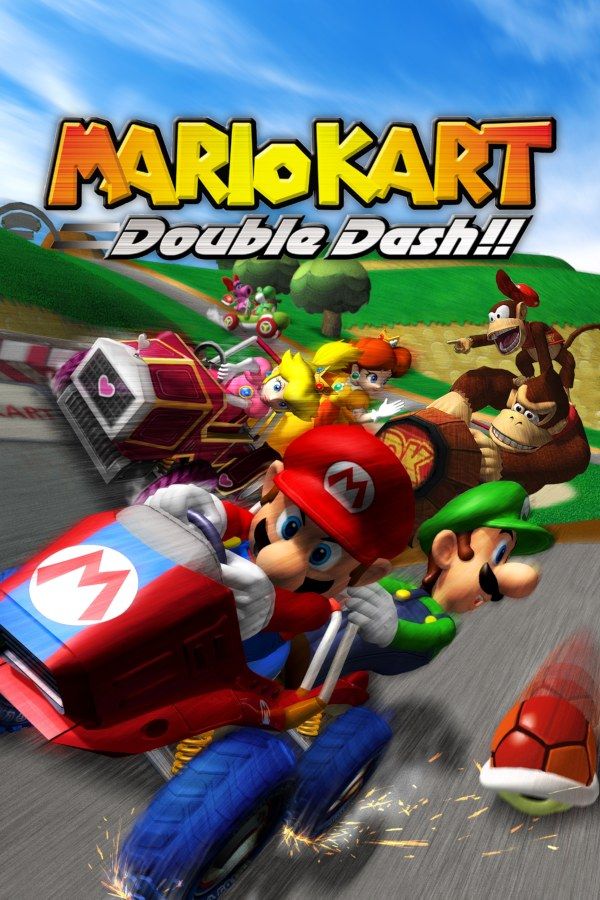
Nintendo’s 2003 kart racer puts two characters in every kart: one drives, the other throws items from the back, and you can swap them at any moment. Each character also has a special item of their own, like Mario’s fireballs or Donkey Kong’s giant banana. If you own the game, Nagori lets you play it on iPhone and iPad.
What you need
- An iPhone 12 or newer, or an iPad with an A14 chip or newer, with iOS 17.6 or later.
- Nagori from the App Store. Your first game is free.
- A disc image of your copy of Double Dash!!:
.iso,.gcm,.rvz,.cisoor.gcz, or a.zipor.rarcontaining it. The game fits on a single disc.
No BIOS file is needed.
How to play Mario Kart: Double Dash!! on iPhone
- Install Nagori from the App Store.
- Copy your Double Dash!! disc image to the Files app, in iCloud Drive or On My iPhone.
- Open Nagori, tap + and select the file. Add GameCube games from inside Nagori: the Files app’s Open in menu doesn’t hand formats like
.rvzand.gcmto Nagori. - Find Double Dash!! on the GameCube shelf and press Play.
- Switch to a touch layout with a stick. The default Standard layout has no stick, and you steer with one. Pause, open Settings → Touch Layout and choose Stick Focus for a large stick, or D-Pad + Stick. With a controller connected, you can skip this step.
Controls
Steer with the control stick, accelerate with A and brake with B. Hold R to hop into a power slide through corners, and press Z to swap your driver and rider. If your thumbs keep slipping off the buttons, open Edit Layout in the pause menu and make them bigger or move them.
With a controller, A is the bottom face button and B the left one, Z is on the right shoulder button, and L and R are the triggers. The left stick steers, and pressing it opens Nagori’s pause menu.
L and R register as full presses in Nagori. A power slide only needs R held down, so a full press is all it takes.
Saves: memory card and save states
Double Dash!! keeps your trophies, the characters, karts and cups you unlock, and your Time Trial ghosts on the memory card. That card works in Nagori as it did on the console. It stays inside the app, though: it isn’t in the Files app, isn’t part of Export Saves and doesn’t sync to iCloud.
Nagori adds two things on top:
- Quit any time. Leave the app mid-race and Continue puts you back exactly where you were.
- Save states. A cup is four races, and one bad race can cost you the gold trophy. Pause and choose Save before each race, then Load if it goes wrong. The All-Cup Tour, all 16 courses back to back, is where this helps most. Nagori keeps your last four saves per game.
Treat the memory card as your main save: a save state may not load after some Nagori updates.
Best settings
Open the pause menu and go to Settings → Quality. GameCube games work an iPhone hard, and this setting trades frame rate for heat:
- Low keeps the device coolest, at a lower frame rate.
- Medium, the default, is the place to start.
- High gives the smoothest motion and is meant for the newest iPhones and iPads.
Smooth motion helps when you’re judging corners at speed, so try High on a recent device and step down if it gets hot. Nagori shows GameCube games at their original resolution, and Full Screen stretches the picture to fill the display.
One player only
Double Dash!! is famous as a party game: two players can share one kart, one driving and one throwing items, and up to four can race or battle on a split screen. Nagori plays GameCube games with one player, so you race on your own: Grand Prix against computer drivers, and Time Trial against the clock and your ghost. Co-op, Versus and Battle with friends aren’t available, and the controller doesn’t rumble in GameCube games.