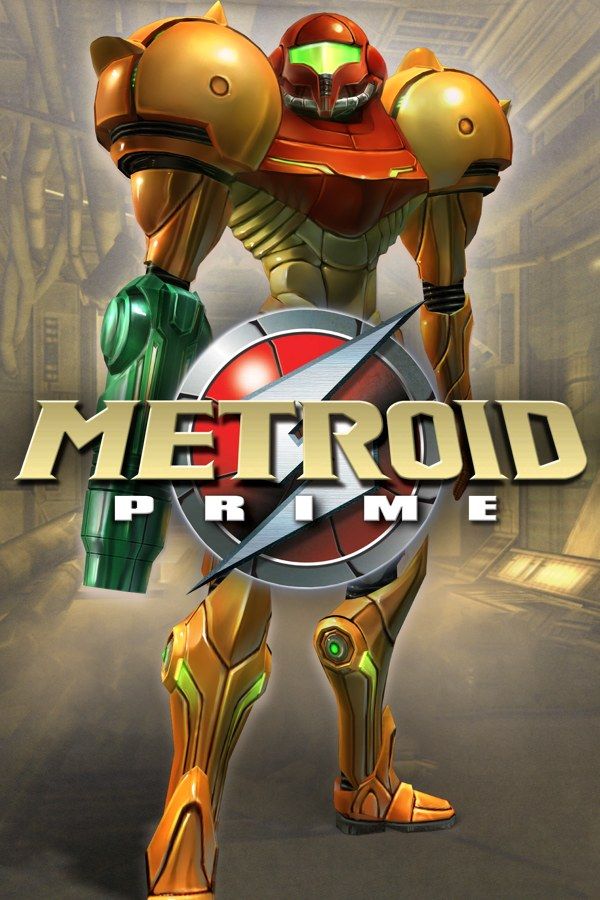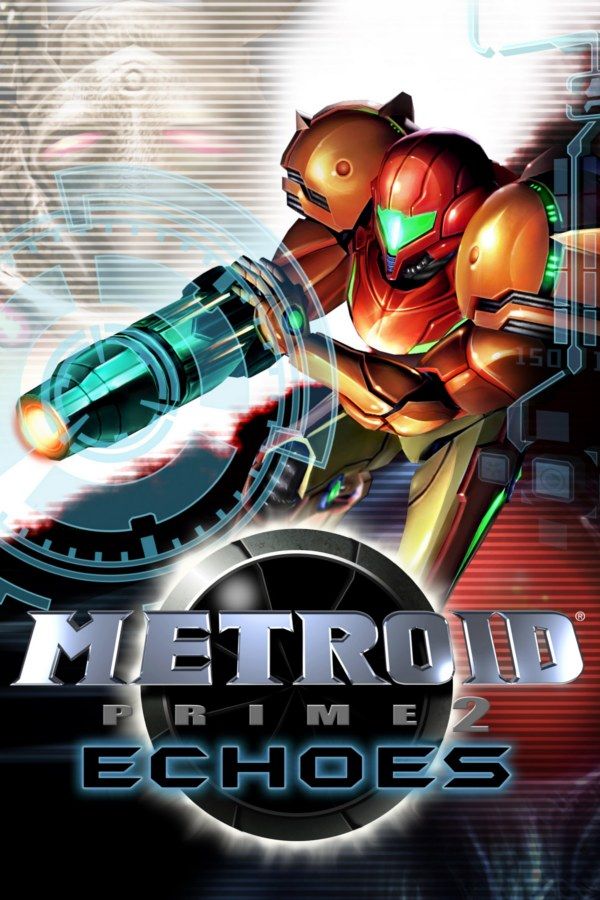
Retro Studios’ 2004 sequel to Metroid Prime sends Samus Aran to the planet Aether to find a missing squad of Galactic Federation Marines. Long before she arrives, a meteor split Aether into two dimensions: Light Aether, home of the Luminoth, and Dark Aether, home of the Ing, who have been draining the light world’s energy. Samus crosses between the two through portals to win that energy back. If you own the game, Nagori lets you play it on iPhone and iPad.
What you need
- An iPhone 12 or newer, or an iPad with an A14 chip or newer, with iOS 17.6 or later.
- Nagori from the App Store. Your first game is free.
- A disc image of your GameCube copy of Echoes:
.iso,.gcm,.rvz,.cisoor.gcz, or a.zipor.rarcontaining it. The game fits on a single disc. The Wii version in Metroid Prime Trilogy won’t work.
No BIOS file is needed.
How to play Metroid Prime 2: Echoes on iPhone
- Install Nagori from the App Store.
- Copy your Echoes disc image to the Files app, in iCloud Drive or On My iPhone.
- Open Nagori, tap + and select the file. Add GameCube games from inside Nagori: the Files app’s Open in menu doesn’t hand formats like
.rvzand.gcmto Nagori. - Find Metroid Prime 2: Echoes on the GameCube shelf and press Play.
- Pick the DualShock touch layout, or connect a controller. Pause, open Settings → Touch Layout and choose DualShock: it has both sticks, with the right one as the C-stick, plus a full-size D-pad, and Echoes uses all three.
Controls
Echoes plays like Metroid Prime: L locks on, R lets you aim freely, the C-stick switches beams and the D-pad switches visors. What changes is how often you switch. Many doors and enemies only respond to the Dark Beam or the Light Beam, and the Dark Visor and Echo Visor show things the Scan Visor can’t.
So the right stick and the D-pad get busier than in the first game. Open Edit Layout in the pause menu and move the D-pad closer to the left stick, so a visor change doesn’t cost you a moment in a fight.
A controller is the comfortable way to play. Bluetooth controllers that iOS supports work, including DualSense, DualShock 4 and Xbox controllers. The right stick acts as the C-stick, and pressing the left stick opens Nagori’s pause menu. L and R register as full presses, which is all lock-on and free aim need, and GameCube games don’t vibrate.
Surviving Dark Aether
Dark Aether’s air hurts Samus. Her energy drains whenever she’s outside a safe zone, the bubbles of light around crystals and beacons, until the Dark Suit cuts the damage and the Light Suit stops it. Until then, the dark world is where save states pay off:
- Save after each portal. Pause and choose Save as soon as you arrive in Dark Aether, so running out of energy between safe zones doesn’t send you back to a Save Station.
- Save before bosses. Echoes is known as harder than the first Prime, and the Boost Guardian is one of the reasons.
- Watch your ammo. The Dark Beam and the Light Beam use ammo, and the Annihilator Beam uses both kinds. A save state taken with full ammo is worth more than one taken on empty.
Nagori keeps your last four saves per game, and Continue resumes exactly where you quit.
Saves: Save Stations and the memory card
Echoes saves at Save Stations, and dying sends you back to the last one. Those saves go to the game’s memory card, which works in Nagori as on the console but stays inside the app: it isn’t in the Files app, isn’t part of Export Saves and doesn’t sync to iCloud. Keep using Save Stations, because a save state may not load after some Nagori updates.
Multiplayer isn’t available
Echoes added split-screen multiplayer for up to four players. Nagori plays GameCube games with one player, so that mode isn’t available.
Best settings
Medium, the default under Settings → Quality, balances frame rate and heat on long sessions. Use Low if your iPhone still gets warm, and High on the newest iPhones and iPads. Nagori shows GameCube games at their original resolution, without upscaling.