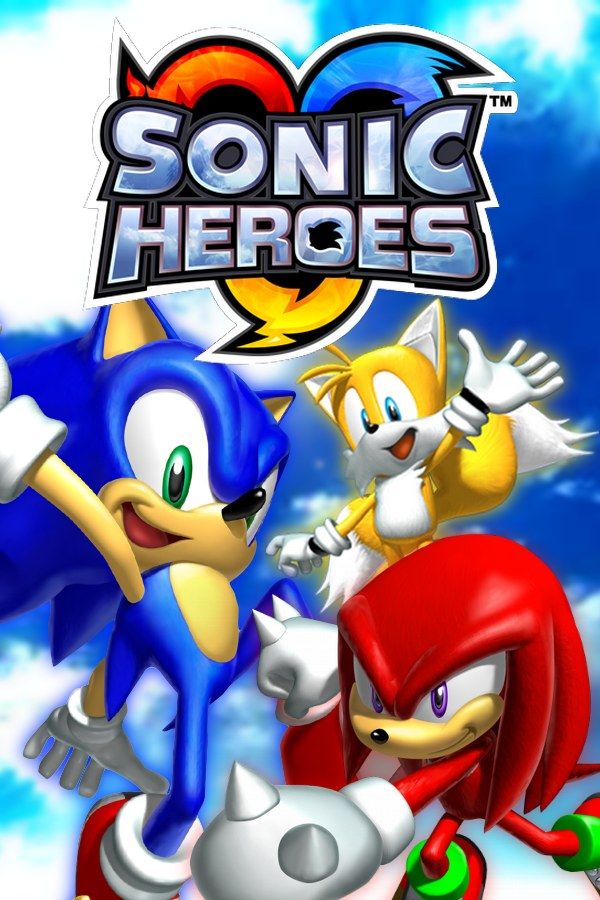
Sonic Team USA’s 2003 platformer has you run every stage with a team of three. One member is built for speed, one for flying and one for power, and you switch the leader at any moment to get past what’s ahead. Four teams each have a story of their own: Team Sonic, Team Dark, Team Rose and Team Chaotix. If you own the game, Nagori lets you play it on iPhone and iPad.
What you need
- An iPhone 12 or newer, or an iPad with an A14 chip or newer, with iOS 17.6 or later.
- Nagori from the App Store. Your first game is free.
- A disc image of your copy of Sonic Heroes:
.iso,.gcm,.rvz,.cisoor.gcz, or a.zipor.rarcontaining it. The game fits on a single disc.
No BIOS file is needed.
How to play Sonic Heroes on iPhone
- Install Nagori from the App Store.
- Copy your Sonic Heroes disc image to the Files app, in iCloud Drive or On My iPhone.
- Open Nagori, tap + and select the file. Add GameCube games from inside Nagori: the Files app’s Open in menu doesn’t hand formats like
.rvzand.gcmto Nagori. - Find Sonic Heroes on the GameCube shelf and press Play.
- Switch to a touch layout with a stick. The default Standard layout has no stick, and your team runs on one. Pause, open Settings → Touch Layout and choose Stick Focus for a large stick, or D-Pad + Stick. With a controller connected, you can skip this step.
Controls
Move with the control stick and jump with A. The leader decides how the whole team moves: the speed character runs and homes in on enemies, the flying character lifts the team up to high ledges, and the power character breaks through obstacles. Defeating enemies fills the Team Blast gauge for a move where all three attack together.
You’ll switch leaders and jump constantly, often in the same second. Open Edit Layout in the pause menu and pull the face buttons closer together so your right thumb can reach all of them without stretching.
Bluetooth controllers that iOS supports work, including DualSense, DualShock 4 and Xbox controllers. A is the bottom face button, B the left one, X the right one and Y the top one, and pressing the left stick opens Nagori’s pause menu.
Four teams, four kinds of challenge
- Team Rose (Amy, Cream and Big) has the easiest, shortest versions of the stages, a good place to learn the formations.
- Team Sonic (Sonic, Tails and Knuckles) plays the standard versions.
- Team Dark (Shadow, Rouge and E-123 Omega) gets longer, harder versions with more enemies.
- Team Chaotix (Espio, Charmy and Vector) gets a goal in each stage, such as finding a set of objects or staying out of sight.
Finish all four stories and collect all seven Chaos Emeralds to unlock the last story.
Special Stage keys and save states
Many stages hide a key. Carry it to the goal without getting hit and you go to a Special Stage, where you can win a Chaos Emerald. One hit makes you drop the key, so once you have it, pause and choose Save, then Load if an enemy knocks it loose. Nagori keeps your last four saves per game, and Continue puts you back exactly where you were if you leave the app mid-stage.
Sonic Heroes keeps your story progress, emblems and Chaos Emeralds on the memory card, which works in Nagori as it did on the console. It stays inside the app, though: it isn’t in the Files app, isn’t part of Export Saves and doesn’t sync to iCloud. Treat it as your main save, because a save state may not load after some Nagori updates.
Best settings
In the pause menu, Settings → Quality trades frame rate for heat: Low keeps the device coolest, Medium is the default, and High is meant for the newest iPhones and iPads. On a recent device, try High and step down if it gets hot. GameCube games show at their original resolution, and Full Screen stretches the picture to fill the display.
One player only
Sonic Heroes has split-screen two-player modes, including races and team battles. Nagori plays GameCube games with one player, so those modes aren’t available. Story and Challenge modes are single-player, and the controller doesn’t rumble in GameCube games.