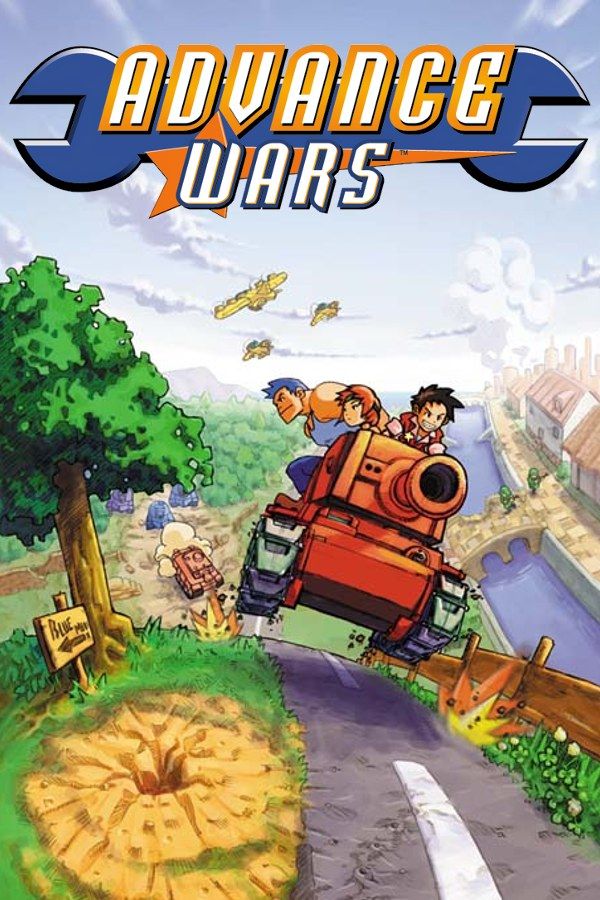
Advance Wars is a turn-based strategy game from Intelligent Systems, released for the Game Boy Advance in 2001. You lead the Orange Star army, with commanding officers such as Andy, Max and Sami, building tanks, planes and ships, capturing cities with infantry for funds, and saving up each CO’s Power for the right moment. Besides the campaign there’s the War Room, Versus mode and a map editor in Design Maps. If you own the game, Nagori lets you play it on iPhone and iPad.
What you need
- An iPhone or iPad with iOS 17.6 or later.
- Nagori from the App Store. Your first game is free.
- The game file of your copy of Advance Wars in
.gbaformat, or a.zipor.rarcontaining it.
No BIOS file is needed.
How to play Advance Wars on iPhone
- Install Nagori from the App Store.
- Copy your Advance Wars
.gbafile to the Files app, in iCloud Drive or On My iPhone. - Open Nagori, tap + and select the file. You can add several games at once from the same picker.
- Find Advance Wars on the GBA shelf with its box art and press Play.
Controls
Every order goes through the cursor. The D-pad moves it, A selects a unit or a building and confirms orders, and B cancels. Hold B over an enemy unit to see its attack range before you move next to it.
The Standard touch layout has every button the game uses. On the bigger maps you move the cursor tile by tile across a lot of ground, so open Edit Layout in the pause menu and pinch the D-pad bigger. Drag B to where your thumb can rest on it while you check enemy ranges.
With a controller, the left stick works as the D-pad too, and pressing it opens the pause menu.
Saves
Progress you save in Advance Wars goes to the cartridge’s save, and Nagori keeps it automatically. On top of that:
- Continue where you stopped. Leave the app in the middle of a battle and Continue in the game menu puts you back on the same day.
- Save states at the start of each day. Campaign missions can run for many days, and one careless move can cost you the mission. Pause and choose Save at the start of your turn. If the turn goes badly, Load and play it differently. Nagori keeps your last four saves per game.
- iCloud. Save to iCloud stores your progress in your private iCloud, and Load from iCloud brings it to your iPad.
Fast Forward for long enemy turns
On a large map, the enemy moves every unit it has, one after another, and you watch each move and each battle. Fast Forward runs the game at twice the speed, which makes those turns much shorter, in the campaign and in the War Room alike. Bind it to a controller button, or add the ×2 button to the touch screen in My Layout.
Versus on one iPhone or iPad
Versus mode was made for one Game Boy Advance passed between players: each player takes a turn, then hands the console to the next. It works the same way in Nagori. Pick a map, choose each player’s CO, and pass the iPhone or iPad after every turn. An iPad on a table works well for this.
Link mode, which connects several Game Boy Advance systems with link cables, doesn’t work: Nagori plays GBA games for one player with no link support.
Best settings
- Picture Smoothing softens the sprites. Turn it off to keep the small unit sprites and the HP numbers crisp.
- Full Screen stretches the picture to fill your display. Leave it off to keep the 3:2 shape, so the map grid isn’t distorted.
- Screen Effects adds CRT scanlines, a screen curve or bloom, from Off to Strong.







