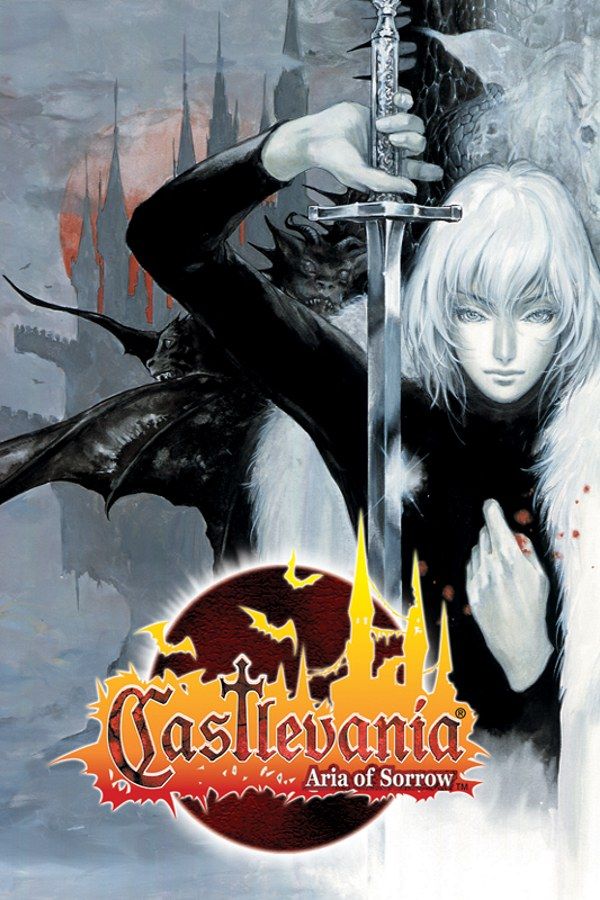
Castlevania: Aria of Sorrow is Konami’s 2003 Game Boy Advance Castlevania, made by Konami Computer Entertainment Tokyo. It’s set in 2035: during a solar eclipse, Soma Cruz is pulled into Dracula’s castle and finds he can absorb the souls of the monsters he defeats, each one a new attack or ability. Like Symphony of the Night, it’s one large castle to explore, with levels, weapons and armor. If you own the game, Nagori lets you play it on iPhone and iPad.
What you need
- An iPhone or iPad with iOS 17.6 or later.
- Nagori from the App Store. Your first game is free.
- The game file of your copy of Aria of Sorrow in
.gbaformat, or a.zipor.rarcontaining it.
No BIOS file is needed.
How to play Aria of Sorrow on iPhone
- Install Nagori from the App Store.
- Copy your Aria of Sorrow
.gbafile to the Files app, in iCloud Drive or On My iPhone. - Open Nagori, tap + and select the file, or the
.zipor.rarthat holds it. - Find Aria of Sorrow on the GBA shelf and press Play.
Controls
Aria uses all of the GBA’s buttons:
- A jumps and B attacks with your weapon.
- Up + B uses your red Bullet soul, which costs MP.
- R switches your blue Guardian soul on and off.
- L is the backdash, a quick hop backward out of harm’s way.
- Start opens the menu, where you equip souls, weapons and armor.
Yellow Enchanted souls work on their own once equipped, and gray Ability souls, such as the double jump, are always on.
On the Standard touch layout, L sits in the top-left corner, far from B, and you’ll backdash between attacks all game. Open Edit Layout in the pause menu and drag L down next to B, so backdash and attack are a thumb-roll apart. R can stay where it is, since you only switch Guardian souls now and then.
With a controller, L and R fall under your index fingers as on the original console. The left stick works as the D-pad too, and pressing it opens the pause menu.
Saves
Aria saves only in save rooms, which also refill your HP and MP. Warp rooms link distant parts of the castle. If Soma dies, you go back to your last save. Nagori keeps that in-game save automatically, and adds:
- Continue. Leave the app in the middle of a corridor and Continue in the game menu brings you back to the same spot.
- Save states. Pause and choose Save at a boss door when the last save room is far behind. If the fight goes wrong, Load and try again. Nagori keeps your last four per game.
- iCloud and backups. Save to iCloud copies your progress to your private iCloud, Load from iCloud brings it to your iPad, and Export Saves makes a backup copy.
Collecting souls
Most enemies in the castle carry a soul, but they don’t drop it every time, and some souls are rare. Filling out your collection means defeating the same monster again and again:
- Leave and come back. Enemies return when you leave a room and walk back in, so find one near a door and repeat.
- Use Fast Forward. At twice the speed, each round trip takes half as long. Bind it to a controller button, or add the ×2 button in My Layout.
- Raise your luck. A higher LCK stat improves your chance of a drop.
Best settings
- Picture Smoothing softens the sprites. Turn it off to see the castle’s pixel art exactly as drawn.
- Full Screen stretches the picture. Leave it off to keep the GBA’s 3:2 shape.
- Screen Effects adds CRT scanlines, a screen curve or bloom, from Off to Strong. CRT Screen on Medium suits the gothic look.







