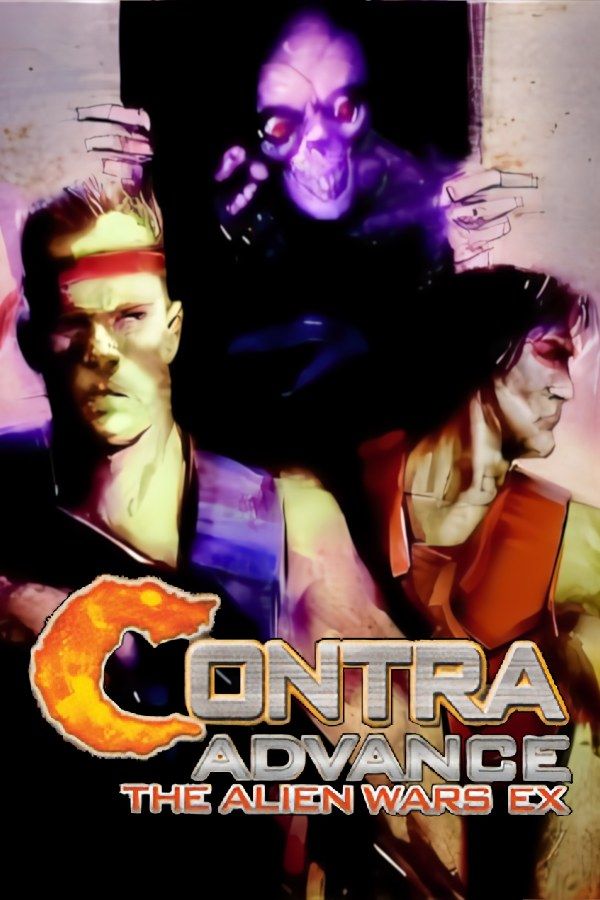
Contra Advance: The Alien Wars EX is Konami’s 2002 Game Boy Advance remake of Contra III: The Alien Wars from the Super NES. It drops the original’s overhead Mode 7 stages and puts side-scrolling stages from Contra: Hard Corps in their place, and the bombs and second weapon slot are gone. As in the rest of the series, a single hit costs you a life. If you own the game, Nagori lets you play it on iPhone and iPad.
What you need
- An iPhone or iPad with iOS 17.6 or later.
- Nagori from the App Store. Your first game is free.
- The game file of your copy of Contra Advance in
.gbaformat, or a.zipor.rarcontaining it.
No BIOS file is needed.
How to play Contra Advance on iPhone
- Install Nagori from the App Store.
- Copy your Contra Advance
.gbafile to the Files app, in iCloud Drive or On My iPhone. - Open Nagori, tap + and select the file. If the game is in a
.zipor.rar, add the archive as it is and Nagori unpacks it. - Find Contra Advance on the GBA shelf with its box art and press Play.
Controls
In Contra you shoot almost all the time while you move, jump and aim with the D-pad, diagonals included. On the Standard touch layout, A and B sit together under your right thumb, so you can keep firing and jump without moving your hand. Open Edit Layout in the pause menu and make the D-pad bigger: aiming up-forward or down-forward is easier on a large pad, and the touch D-pad follows your thumb, so a diagonal doesn’t slip off the edge.
A controller is the better choice for a game where one hit ends a life. Bluetooth controllers that iOS supports, including DualSense, DualShock 4 and Xbox controllers, work with Nagori. A and B sit on the face buttons, L and R on the shoulder buttons, and the left stick works as the D-pad too. Press the left stick to open the pause menu.
One hit, one life: save states
Contra is about learning where enemies come from and how bosses attack, and you learn it by dying. Nagori shortens that:
- Save states. Pause and choose Save at the start of a boss fight or before a hard stretch. When you lose a life, Load and try again on the spot. Nagori keeps your last four saves per game.
- Slow Motion. Run the game at half speed to read a boss’s attack pattern, then play it again at full speed. Bind it to a controller button, or add the ×0.5 button to My Layout.
Saves
Contra Advance doesn’t keep a save on the cartridge: it uses passwords to take you back to a later stage. In Nagori you don’t need to write them down:
- Quit any time. Leave the app mid-stage and Continue puts you back exactly where you were, with your lives and weapon.
- iCloud. Save to iCloud copies your progress to your private iCloud, and Load from iCloud picks it up on your iPad.
A password you noted earlier still works, as on the original game.
Co-op needs a second console
Two-player co-op on the Game Boy Advance needed two linked systems, each with its own copy of the game. Nagori plays GBA games for one player with no link support, so co-op isn’t available, but the whole game can be played solo.
Best settings
- Picture Smoothing softens the pixels. Turn it off to keep the bullets sharp and easy to see.
- Full Screen stretches the picture to fill the display. Leave it off to keep the GBA’s 3:2 shape; in Edit Layout you can move the controls into the black bars on the sides so they don’t hide enemy fire.
- Screen Effects → CRT Screen adds scanlines and a shadow mask, like a TV in the Super NES days.







