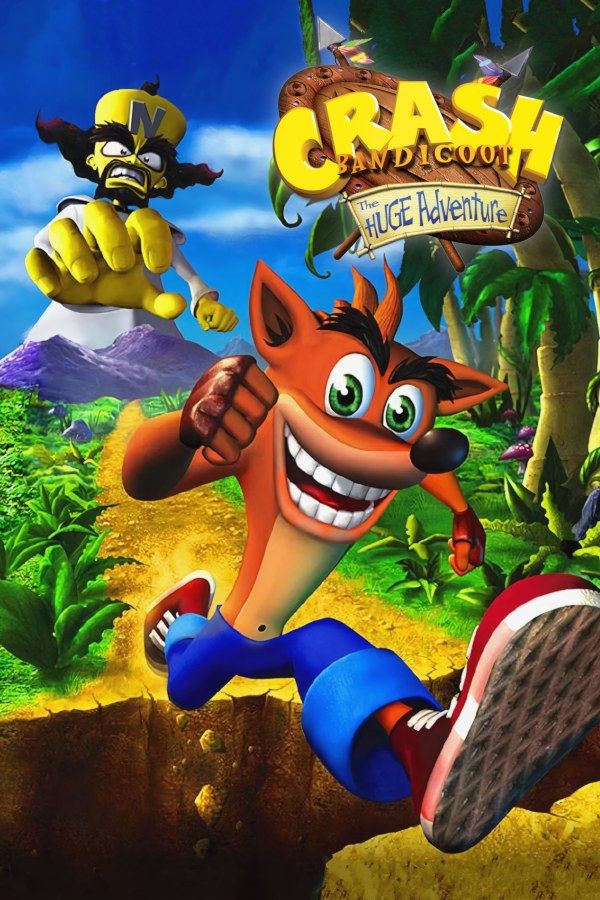
Crash Bandicoot: The Huge Adventure is a 2002 platformer by Vicarious Visions and the first Crash game made for a handheld. Doctor Neo Cortex shrinks the Earth to the size of a grapefruit with his Planetary Minimizer, and Crash has to collect Crystals to power a device that turns it back. In Europe it was released as Crash Bandicoot XS. If you own the game, Nagori lets you play it on iPhone and iPad.
What you need
- An iPhone or iPad with iOS 17.6 or later.
- Nagori from the App Store. Your first game is free.
- The game file of your copy of The Huge Adventure in
.gbaformat, or a.zipor.rarcontaining it.
No BIOS file is needed.
How to play Crash Bandicoot: The Huge Adventure on iPhone
- Install Nagori from the App Store.
- Copy your Huge Adventure
.gbafile to the Files app, in iCloud Drive or On My iPhone. - Open Nagori, tap + and select the file. If the game is in a
.zipor.rar, add the archive as it is and Nagori unpacks it. - Find Crash Bandicoot on the GBA shelf with its box art and press Play.
Controls
Crash runs, jumps and spins through crates and enemies, and beating a boss gives him new abilities, so the buttons you need grow as you go. All of them are on the Standard touch layout: the D-pad on the left, A and B on the right, L and R along the top.
If you keep missing ledges, open Edit Layout in the pause menu and make A and B bigger, or drag them to where your right thumb rests. The touch D-pad follows your thumb, so you can hold a direction without looking down.
A controller gives you real buttons for the precise jumps. Bluetooth controllers that iOS supports, including DualSense, DualShock 4 and Xbox controllers, work with Nagori. A and B sit on the face buttons, L and R on the shoulder buttons, and the left stick works as the D-pad too. Press the left stick to open the pause menu.
Gems, relics and save states
The levels are grouped into hubs of five, with a boss at the end of each hub. Each level has a Crystal to collect, and the game needs all 20 to win. The rest is for players who want the full set:
- Gems. Break every crate in a level to earn its gem. A save state before a tricky stretch means a missed crate or a lost life costs you seconds, not a full replay of the level: Load and try again.
- Relics. Replay a level in Time Trial and beat the clock for a sapphire, gold or platinum relic. Yellow numbered crates freeze the timer for a moment. Make a save state at the start, and Load to restart a run instantly.
Slow Motion runs the game at half speed. Bind it to a controller button, or add the ×0.5 button to My Layout, to learn a fast section, then play it again at full speed.
Saves
The Huge Adventure saves your progress to the cartridge, and Nagori keeps that save automatically. On top of it:
- Quit any time. Leave the app mid-level and Continue puts you back exactly where you were.
- Save states. Pause and choose Save before a boss. Nagori keeps your last four saves per game.
- iCloud. Save to iCloud and Load from iCloud move your progress between your iPhone and iPad.
Best settings
- Picture Smoothing softens the pixels. Turn it off for crisp, raw pixels like on the Game Boy Advance screen.
- Full Screen stretches the picture to fill the display, which makes Crash wider than he should be. Leave it off to keep the GBA’s 3:2 shape.
- Screen Effects → CRT Screen adds scanlines and a shadow mask if you like the look of an old tube TV.







