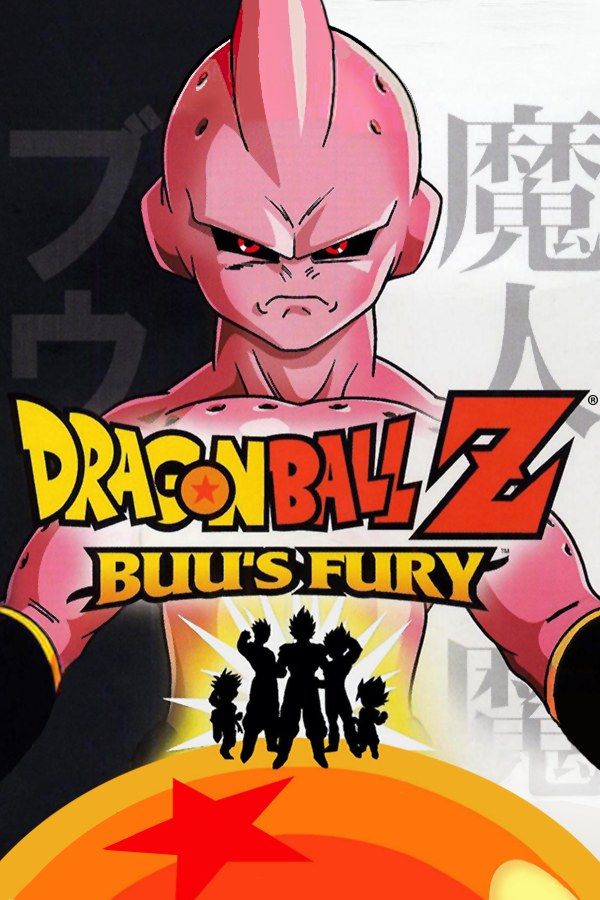
Dragon Ball Z: Buu’s Fury is Webfoot Technologies’ 2004 action RPG for the Game Boy Advance and the follow-up to The Legacy of Goku II. It covers the last part of the series, from Gohan’s Great Saiyaman days, seven years after the Cell Games, to the fights with Majin Buu. You play as Goku, Gohan, Vegeta, Goten and Trunks, reach Super Saiyan 3 and fuse fighters into Gotenks and Vegito. If you own the game, Nagori lets you play it on iPhone and iPad.
What you need
- An iPhone or iPad with iOS 17.6 or later.
- Nagori from the App Store. Your first game is free.
- The game file of your copy of Buu’s Fury in
.gbaformat, or a.zipor.rarcontaining it.
No BIOS file is needed.
How to play Buu’s Fury on iPhone
- Install Nagori from the App Store.
- Copy your Buu’s Fury
.gbafile to the Files app, in iCloud Drive or On My iPhone. - Open Nagori, tap + and select the file. If the game is in a
.zipor.rar, add the archive as it is and Nagori unpacks it. - Find Buu’s Fury on the GBA shelf with its box art and press Play.
Controls
Fights happen on the map in real time. A attacks up close, B fires energy blasts and R blocks, so in a fight your right thumb moves between three buttons while your left one steers. On the Standard touch layout R sits along the top, away from A and B. Open Edit Layout in the pause menu and drag R down beside A and B, so you can block without lifting your thumb off the attack buttons.
With a controller, A and B sit on the face buttons and R on the right shoulder. Bluetooth controllers that iOS supports, including DualSense, DualShock 4 and Xbox controllers, work with Nagori. The left stick works as the D-pad too, and pressing it opens the pause menu.
What’s new since The Legacy of Goku II
Buu’s Fury keeps the real-time action RPG style of the earlier game but changes how your fighters grow:
- Stat points. Each level gives you three points to spend on strength, power and endurance.
- Equipment. Items such as armbands and boots change a fighter’s stats.
- Fusion. Some characters can fuse, which raises their stats. That’s how Gotenks and Vegito join the fight.
- Super Saiyan 3 is available as a transformation.
If you’re unsure where the points should go, pause and choose Save in Nagori before you spend them. If the new spread doesn’t work against the next boss, Load and spend them again.
Saves
Nagori keeps the saves you make in the game automatically, as the cartridge would. On top of that:
- Continue where you stopped. Nagori saves the moment you leave the game, even mid-fight, and Continue in the game menu picks up from there.
- Save states. Make one before each fight with Majin Buu. If it goes badly, Load and try again, or go back to gain a few levels first. Nagori keeps your last four saves per game.
- iCloud. Save to iCloud copies your progress to your private iCloud, and Load from iCloud brings it to your iPad.
When you do go back to level up, Fast Forward runs the game at twice the speed. Bind it to a controller button, or add the ×2 button to My Layout.
Best settings
- Picture Smoothing softens the pixels. Turn it off for crisp sprites like on the Game Boy Advance screen.
- Full Screen stretches the picture to fill the display. Leave it off to keep the original 3:2 shape.
- Screen Effects → CRT Screen adds scanlines, a nod to watching the anime on an old TV.
On iPad you can hold the device upright: the picture moves to the top and the controls sit below it.







