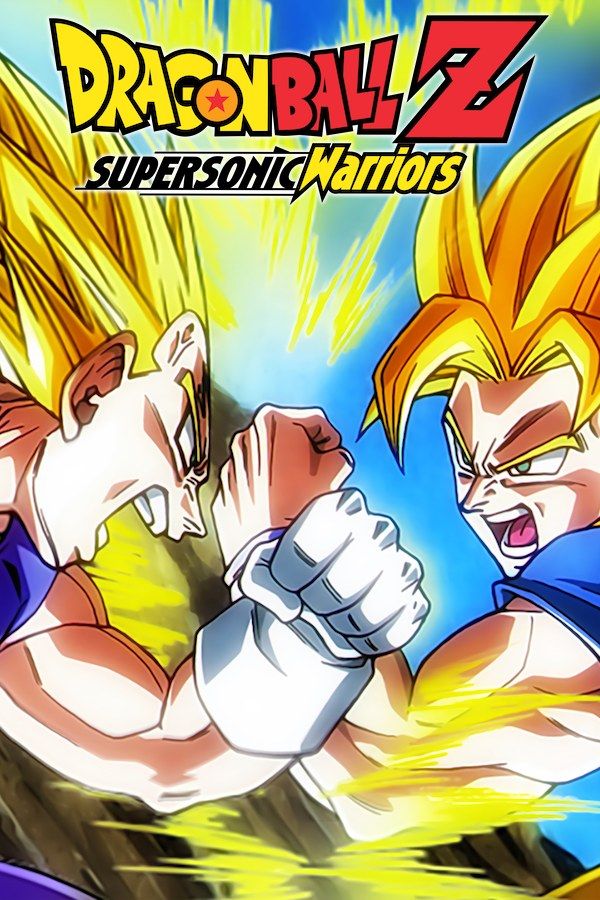
Dragon Ball Z: Supersonic Warriors is a 2004 Game Boy Advance fighting game by Arc System Works. Instead of keeping both fighters on the ground, it lets them fly, so much of every match happens in mid-air, as in the anime. Story mode has stories that follow the series and character stories that ask “what if” a fight had gone the other way. The cast includes Goku, Vegeta, Gohan, Piccolo, Frieza and Cell. If you own the game, Nagori lets you play it on iPhone and iPad.
What you need
- An iPhone or iPad with iOS 17.6 or later.
- Nagori from the App Store. Your first game is free.
- The game file of your copy of Supersonic Warriors in
.gbaformat, or a.zipor.rarcontaining it.
No BIOS file is needed.
How to play Supersonic Warriors on iPhone
- Install Nagori from the App Store.
- Copy your Supersonic Warriors
.gbafile to the Files app, in iCloud Drive or On My iPhone. - Open Nagori, tap + and select the file. If the game is in a
.zipor.rar, add the archive as it is and Nagori unpacks it. - Find Supersonic Warriors on the GBA shelf with its box art and press Play.
Controls
Every fighter has strong and weak close-range attacks, charges ki and fires it as strong or weak energy blasts, and has a set of special moves. All the Game Boy Advance buttons the game uses are on the Standard touch layout: the D-pad, A and B, L and R along the top, Select and Start.
Because the fight is in the air, you press up and down as much as left and right, and diagonals all the time, to close in, back off or line up a blast. The touch D-pad follows your thumb, so a diagonal doesn’t slip off the edge, and in Edit Layout (pause menu) you can make it bigger. If you reach for L and R often, drag them down next to A and B so they stay under your right thumb.
A controller suits the game best. A and B sit on the face buttons, L and R on the shoulder buttons, and the left stick works as the D-pad too, which makes flying in eight directions feel natural. Press the left stick to open the pause menu.
Learning a fighter in slow motion
In mid-air, attacks come from above and below as well as from the side, so it can be hard to see what just hit you. Slow Motion runs the whole game at half speed, the computer included. Use it to learn a fighter’s special moves and when to charge ki, then go back to full speed. Assign it to a controller button in the pause menu, or add the ×0.5 button to My Layout.
Unlocking the extras
Wins in the game’s modes earn points, and you spend them in the options menu on extras, such as more forms of the fighters and more Story mode scenarios. Nagori keeps the game’s own save automatically, so your points and unlocks stay put, and it adds more:
- Quit any time. Leave the app mid-fight and Continue puts you back exactly where you were.
- Save states. Pause and choose Save before the last fight of a story. If you lose, Load and try again. Nagori keeps your last four saves per game.
- iCloud. Save to iCloud and Load from iCloud move your progress between your iPhone and iPad.
Best settings
- Picture Smoothing softens the pixels. Turn it off to keep the energy blasts and small sprites sharp.
- Full Screen stretches the picture to fill the display. Leave it off to keep the GBA’s 3:2 shape; in Edit Layout you can move the controls into the black bars on the sides so they don’t cover the fight.
- Screen Effects → Bloom adds a glow to bright parts of the picture, which suits the ki blasts.







