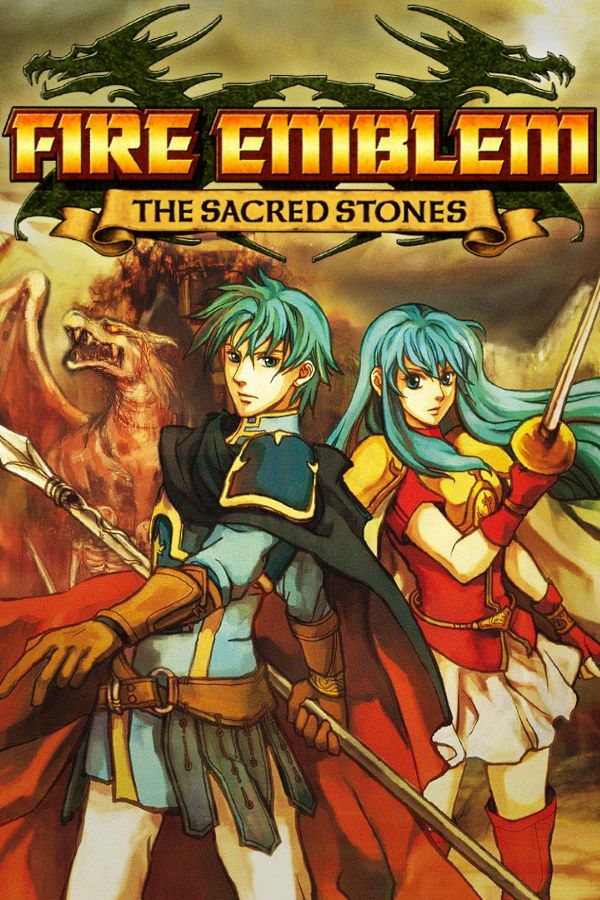
Fire Emblem: The Sacred Stones is a strategy RPG from Intelligent Systems, released on the Game Boy Advance in 2004. When the Grado Empire invades the kingdom of Renais, the twins Eirika and Ephraim set out to stop it, and after Chapter 8 you choose whose route to follow. It adds a world map you roam between battles and a choice of two classes at most promotions, and fallen units are still gone for good. If you own the game, Nagori lets you play it on iPhone and iPad.
What you need
- An iPhone or iPad with iOS 17.6 or later.
- Nagori from the App Store. Your first game is free.
- The game file of your copy of The Sacred Stones in
.gbaformat, or a.zipor.rarcontaining it.
No BIOS file is needed.
How to play Fire Emblem: The Sacred Stones on iPhone
- Install Nagori from the App Store.
- Copy your Sacred Stones
.gbafile to the Files app, in iCloud Drive or On My iPhone. - Open Nagori, tap + and select the file. Nagori recognizes it as a Game Boy Advance game by itself.
- Find The Sacred Stones on the GBA shelf with its box art and press Play.
Controls
The Sacred Stones is all cursor work. The D-pad moves the cursor on the battle map and your army’s marker on the world map, A selects and confirms, and B cancels. R brings up details on the unit or item under the cursor, and L jumps to the next unit that hasn’t acted.
The Standard touch layout has all of them, with L and R along the top. Shops and preparation screens mean pressing A and B constantly; if you hit the wrong one, open Edit Layout in the pause menu and drag them further apart.
With a Bluetooth controller that iOS supports, including DualSense, DualShock 4 and Xbox controllers, the left stick works as the D-pad too, and pressing it opens the pause menu.
Saves
The Sacred Stones saves to the cartridge between chapters, and Suspend in the map menu keeps your place mid-battle. Nagori keeps the cartridge’s save automatically and adds:
- Continue where you stopped. Nagori saves the moment you leave the game, and Continue in the game menu picks up on the same turn.
- Save states every turn. Pause and choose Save at the start of each turn. If a unit falls, Load and replay that turn instead of the whole chapter. Nagori keeps your last four saves per game.
- iCloud. Save to iCloud stores your progress in your private iCloud, and Load from iCloud brings it to your iPad.
Grinding on the world map
Unlike the earlier GBA Fire Emblem games, The Sacred Stones lets you fight extra battles: monsters appear on the world map as skirmishes, and the Tower of Valni and, later, the Lagdou Ruins can be climbed again and again. That’s where the trainees Ross, Amelia and Ewan, or anyone who fell behind, catch up. To speed it up:
- Fast Forward runs the game at twice the speed, enemy phases included. Bind it to a controller button, or add the ×2 button to the touch screen in My Layout.
- Turning battle animations off in the game’s own Options shortens every fight.
- Units can still die in a skirmish. Make a save state before you send a weak unit to the front.
What needs a second console
The Link Arena, where players set their teams against each other, needs a link cable and doesn’t work in Nagori, which plays GBA games for one player. Eirika’s route, Ephraim’s route and the post-game on the world map are all single-player.
Best settings
- Picture Smoothing softens the edges of the sprites. Turn it off to see every pixel as drawn.
- Full Screen stretches the picture to fill your display. Leave it off to keep the GBA’s 3:2 shape.
- Screen Effects → CRT Screen adds scanlines, and Bloom gives bright colors a soft glow. Both go from Off to Strong.







