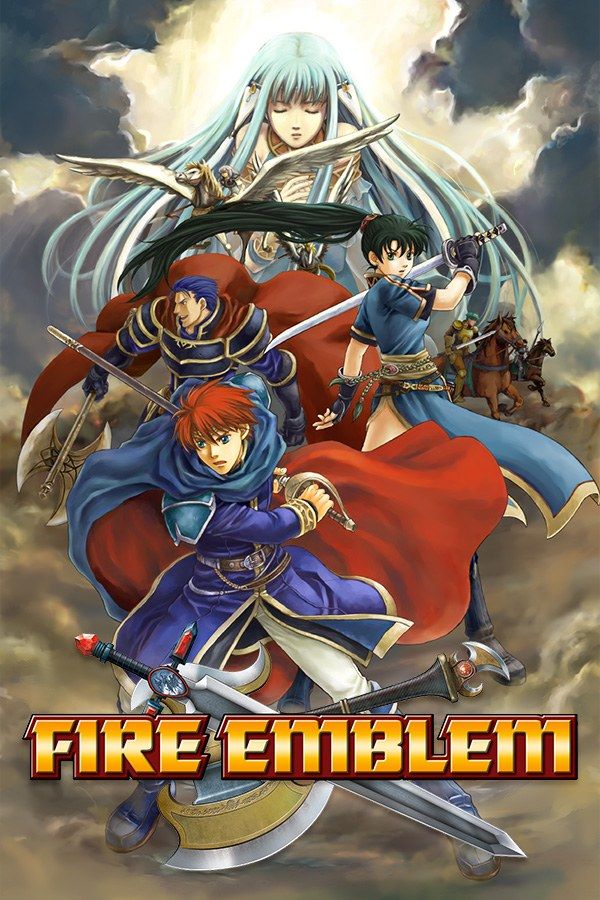
Fire Emblem is the 2003 Game Boy Advance strategy RPG from Intelligent Systems and the first in the series released outside Japan, where it’s called Rekka no Ken. Nintendo’s later games call it The Blazing Blade. As a tactician on the continent of Elibe, you move units across grid maps turn by turn, through Lyn’s tale and then Eliwood’s, and clearing the game unlocks Hector’s. If you own the game, Nagori lets you play it on iPhone and iPad.
What you need
- An iPhone or iPad with iOS 17.6 or later.
- Nagori from the App Store. Your first game is free.
- The game file of your copy of Fire Emblem in
.gbaformat, or a.zipor.rarcontaining it.
No BIOS file is needed.
How to play Fire Emblem on iPhone
- Install Nagori from the App Store.
- Copy your Fire Emblem
.gbafile to the Files app, in iCloud Drive or On My iPhone. - Open Nagori, tap + and select the file. If it’s in a
.zipor.rar, select the archive and Nagori unpacks it. - Find Fire Emblem on the GBA shelf with its box art and press Play.
Controls
Fire Emblem is played with a cursor. The D-pad moves it across the map, A selects a unit and confirms its move, and B cancels. Press A on an enemy to see how far it can move and attack. R shows the stats of the unit or the details of the item under the cursor, and L jumps to the next unit that hasn’t moved yet.
All of these are on the Standard touch layout, with L and R along the top. The D-pad does most of the work, so open Edit Layout in the pause menu and pinch it a size up.
The enemy phase, when the computer moves its units one by one, gets long on later maps. Fast Forward runs the game at twice the speed: bind it to a controller button, or add the ×2 button in My Layout. Turning battle animations off in the game’s own Options shortens each fight too.
With a Bluetooth controller that iOS supports, including DualSense, DualShock 4 and Xbox controllers, the left stick works as the D-pad too, and pressing it opens the pause menu.
Saves
Fire Emblem saves between chapters, and Suspend in the map menu keeps your place mid-chapter. Nagori keeps the cartridge’s save automatically. On top of that:
- Continue where you stopped. Leave the app mid-turn and Continue in the game menu puts you back on the same turn.
- iCloud. Save to iCloud copies your progress to your private iCloud, and Load from iCloud brings it to your iPad.
Permadeath, resets and save states
A unit that falls in Fire Emblem doesn’t come back, and losing the lord whose story you’re playing ends the game. On the original console, many players reset after a loss and replayed the whole chapter. Save states make that much shorter:
- At the start of each of your turns, pause and choose Save.
- If a unit falls, pause, choose Load and pick the save from the start of that turn. Nagori keeps your last four, so you can step back up to four turns.
Loading restores the game exactly, so the same moves in the same order may give the same result: if an attack keeps missing, change your order. Continue doesn’t undo a loss, because it resumes after it.
What needs a second console
The Link Arena, where players pit their teams against each other, needs a link cable, and Nagori plays GBA games for one player with no link support. Everything else, from Lyn’s tale to Hector’s on Hard Mode, is single-player.
Best settings
- Picture Smoothing softens the sprites. Turn it off to keep the small numbers in the battle forecast crisp.
- Full Screen stretches the picture to fill your display. Leave it off to keep the 3:2 shape, so the map’s tiles stay square.
- Screen Effects adds CRT scanlines, a screen curve or bloom, from Off to Strong.







