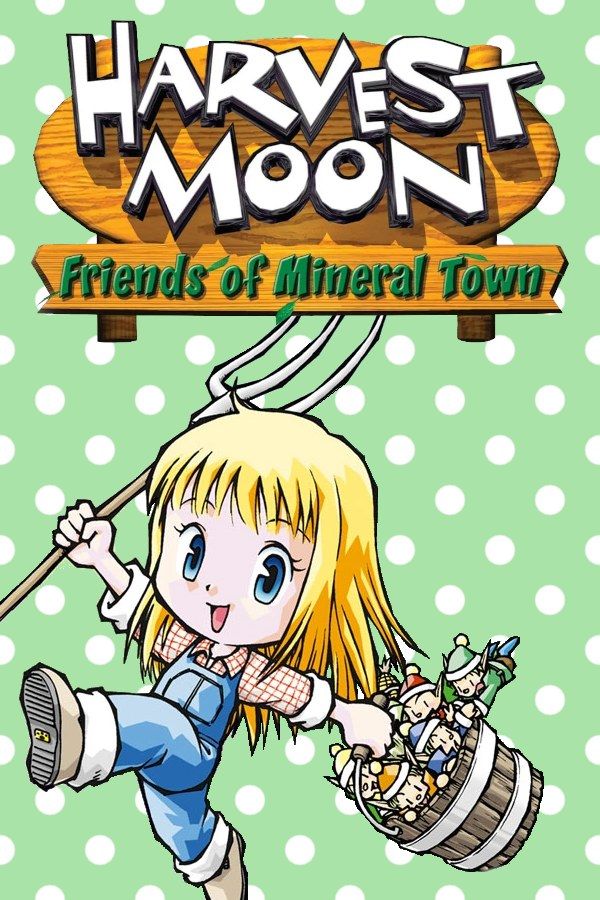
Harvest Moon: Friends of Mineral Town is a 2003 Game Boy Advance farming game and a remake of Harvest Moon: Back to Nature for the original PlayStation. You take over a run-down farm next to Mineral Town, grow crops through the four seasons, raise chickens and cows, and get to know the townspeople, one of whom you can marry. If you own the game, Nagori lets you play it on iPhone and iPad.
What you need
- An iPhone or iPad with iOS 17.6 or later.
- Nagori from the App Store. Your first game is free.
- The game file of your copy of Friends of Mineral Town in
.gbaformat, or a.zipor.rarcontaining it.
No BIOS file is needed.
How to play Friends of Mineral Town on iPhone
- Install Nagori from the App Store.
- Copy your Friends of Mineral Town
.gbafile to the Files app, in iCloud Drive or On My iPhone. - Open Nagori, tap + and select the file. Nagori copies it into its library, so you can delete the original.
- Find Friends of Mineral Town on the GBA shelf with its box art and press Play.
Controls
Farm work is a series of short, exact moves: face a tile, use a tool, step to the next tile. The Standard touch layout has every Game Boy Advance button, and the D-pad follows your thumb. If you water the wrong square or walk past a crop, open Edit Layout in the pause menu and pinch the D-pad bigger. You’ll also press the tool and action buttons hundreds of times a season, so drag them to where your right thumb rests.
For long sessions, a controller is easier on the hands. Bluetooth controllers that iOS supports work, including DualSense, DualShock 4 and Xbox controllers. The left stick works as the D-pad too, and pressing it opens the pause menu.
A farming day in Nagori
Every day in Mineral Town is a small plan: water the crops, feed the animals, then reach town or the mine before the shops close. Nagori helps:
- Fast Forward for the walking. The ×2 speed shortens trips across town and long conversations. The in-game clock speeds up with it, so you get the same done per day in less real time. Switch it off for watering and planting, where you’d overshoot tiles. Bind it to a controller button, or add the ×2 button in My Layout.
- Stop in the middle of a day. The diary only saves when you’re home, but Nagori saves the moment you leave the app, and Continue puts you back on the same path at the same hour.
- Save states before a big day. Pause and choose Save before a festival or a long day of mining. If it doesn’t go your way, Load and replay the day. Nagori keeps your last four saves per game.
The GameCube link isn’t available
On the original hardware, Friends of Mineral Town connects to Harvest Moon: A Wonderful Life on the GameCube with a link cable. Nagori plays both Game Boy Advance and GameCube games, but it has no link support and can’t connect them. The rest of the game, from your first turnips to your wedding, is single-player and doesn’t need it.
Saves
The game saves when you write in the diary in your house, and Nagori keeps that save automatically. Save to iCloud copies your farm to your private iCloud, and Load from iCloud brings it to your iPad. Export Saves backs up a farm you’ve spent years on.
Best settings
- Picture Smoothing softens the pixel art; turn it off for the sharp look of the GBA screen.
- Full Screen stretches the picture; leave it off to keep the 3:2 shape.
- Screen Effects adds CRT scanlines, a screen curve or bloom, from Off to Strong.
On iPad you can also play upright, with the picture on top and the controls below.







