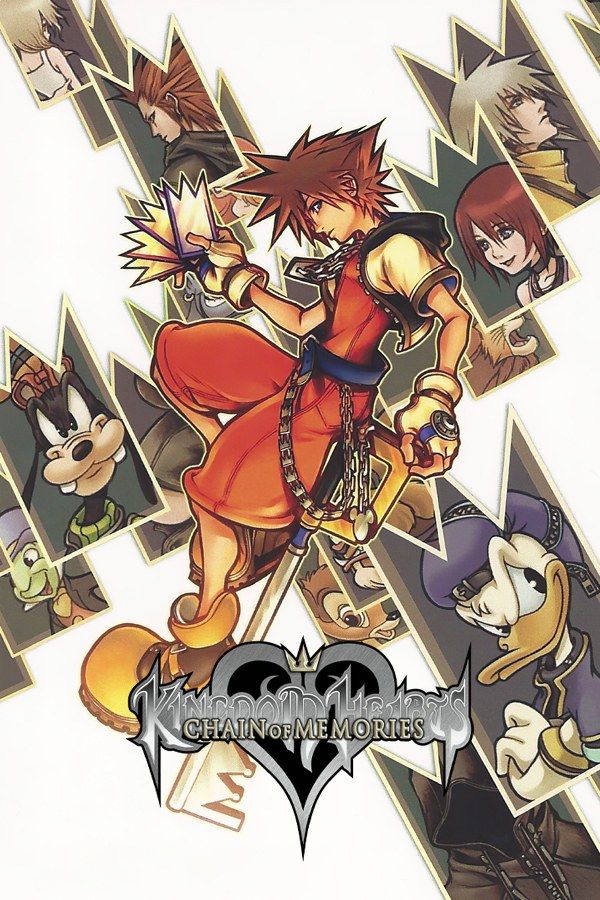
Kingdom Hearts: Chain of Memories picks up right after the first Kingdom Hearts. Sora, Donald and Goofy enter Castle Oblivion, where each floor is built from Sora’s memories, and the higher they climb, the more Sora forgets. Developed by Jupiter and released for the Game Boy Advance in 2004, it fights its battles in real time with cards: attacks, magic, items and summons all come from a deck you build. Finishing Sora’s story unlocks Reverse/Rebirth, a second story told from Riku’s side. If you own the game, Nagori lets you play it on iPhone and iPad.
What you need
- An iPhone or iPad with iOS 17.6 or later.
- Nagori from the App Store. Your first game is free.
- The game file of your copy of Chain of Memories in
.gbaformat, or a.zipor.rarcontaining it.
No BIOS file is needed.
How to play Chain of Memories on iPhone
- Install Nagori from the App Store.
- Copy your Chain of Memories
.gbafile to the Files app, in iCloud Drive or On My iPhone. - Open Nagori, tap + and select the file. Nagori copies it into its own library, so the original can go.
- Find Chain of Memories on the GBA shelf and press Play.
Controls
Chain of Memories is an action game that keeps several buttons busy at once. You move Sora with the D-pad, scroll through your deck with L and R, and play the selected card with A, usually while enemies are coming at you.
All of it is on the Standard touch layout, where L and R sit along the top of the screen. You press them nearly as often as A, so open Edit Layout in the pause menu, drag L and R down toward where your thumbs rest, and pinch them bigger.
A controller helps a lot here: real shoulder buttons let you scroll cards without taking your thumbs off the D-pad and A. Bluetooth controllers that iOS supports work, including DualSense, DualShock 4 and Xbox controllers.
Card battles and hard bosses
Every card has a value, and when your card meets an enemy’s, the higher value breaks the lower one. Three cards can also be combined into a sleight, a stronger move. A deck that clears a floor’s enemies can fall apart against a boss, and Nagori makes it cheaper to experiment:
- Save a state at the boss door. Pause and choose Save before you go in. If the fight goes badly, Load, rebuild your deck in the game’s menu and go again. Nagori keeps your last four saves per game.
- Plan your level-ups. Each level-up lets you pick more HP, more CP or a new sleight. CP decides how many cards your deck can hold, so it shapes every fight after.
- Fast Forward between fights. Twice the speed helps while you walk through rooms for experience and cards or sit through long scenes. Return to normal speed for battles, which happen in real time. Bind it to a controller button, or add the ×2 button in My Layout.
Saves
Chain of Memories saves only at save points, and one kind of map card, Moment’s Reprieve, opens a room with a save point when you use it on a door. Nagori keeps the in-game save automatically and adds:
- Continue. Leave the app halfway through a floor, and Continue in the game menu puts you back in the same room.
- iCloud and backups. Save to iCloud copies your progress to your private iCloud, Load from iCloud picks it up on another iPhone or iPad, and Export Saves makes a backup copy.
Best settings
- Picture Smoothing softens the sprites. Turn it off for the sharp pixels of the GBA screen.
- Full Screen stretches the picture. Leave it off to keep the original 3:2 shape.
- Screen Effects add CRT scanlines, a screen curve or bloom, from Off to Strong.
On iPad you can hold the device upright, with the picture on top and the controls below.







