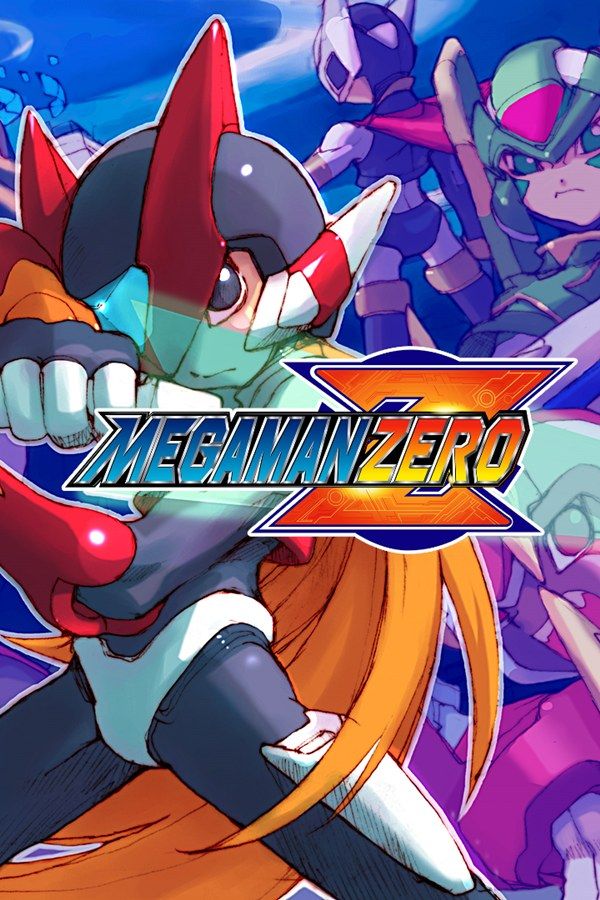
Mega Man Zero is a 2002 Game Boy Advance action game developed by Inti Creates and published by Capcom. The scientist Ciel wakes Zero from a hundred-year sleep to help the Resistance, a group of Reploids hunted by Neo Arcadia and its ruler, a copy of X. You take on missions from the Resistance base, and each one ends with a rank. If you own the game, Nagori lets you play it on iPhone and iPad.
What you need
- An iPhone or iPad with iOS 17.6 or later.
- Nagori from the App Store. Your first game is free.
- The game file of your copy of Mega Man Zero in
.gbaformat, or a.zipor.rarcontaining it.
No BIOS file is needed.
How to play Mega Man Zero on iPhone
- Install Nagori from the App Store.
- Copy your Mega Man Zero
.gbafile to the Files app, in iCloud Drive or On My iPhone. - Open Nagori, tap + and select the file. Nagori recognizes it as a Game Boy Advance game by itself.
- Find Mega Man Zero on the GBA shelf and press Play.
Controls
Besides moving, Zero has four actions: jump, dash, his main weapon and his sub weapon, each on one of A, B, L and R. You equip two of his four weapons at a time: the Z-Saber, the Buster Shot, the Triple Rod and the Shield Boomerang. Zero also clings to walls and kicks off them, and a dash jump carries him farther.
The Standard touch layout puts A and B on the right and L and R in the top corners, which is a long reach in the middle of a jump. Open Edit Layout in the pause menu and drag L and R down beside A and B, so all four action buttons sit in a cluster under your right thumb. Put dash and jump side by side, so one thumb can press both for a dash jump, and pinch the D-pad bigger for wall kicks.
A controller is the most comfortable way to play, and if it disconnects, Nagori pauses the game instead of letting Zero walk on into a pit. The left stick works as the D-pad too, and pressing it opens the pause menu.
Saves
Mega Man Zero saves at the Resistance base, between missions. Nagori keeps that in-game save automatically, and adds:
- Continue. Leave the app mid-stage and Continue in the game menu brings you back to the same moment.
- Save states. Pause and choose Save anywhere in a mission. Nagori keeps your last four per game.
- iCloud. Save to iCloud copies your progress to your private iCloud, and Load from iCloud brings it to your iPad.
Practicing hard bosses
Mega Man Zero has a reputation as one of the hardest Mega Man games, and its bosses take practice, from the Four Guardians, Harpuia, Fefnir, Leviathan and Phantom, to Copy X at the end:
- Save state at the boss door. If Zero goes down, Load puts you back in front of the boss with the lives you had, instead of replaying the stage.
- Slow Motion. At half speed you see each attack coming and can work out when to dash and when to jump. Bind it to a controller button, or add the ×0.5 button in My Layout.
- Cyber-elves. Elves you raise with E-Crystals can make a mission easier, but using them lowers your score. Practicing a fight with save states costs your rank nothing.
Best settings
- Picture Smoothing softens the sprites. Leave it off if you want the sharp pixels that make Zero’s animation easy to read.
- Full Screen stretches the picture. Leave it off to keep the GBA’s 3:2 shape.
- Screen Effects adds CRT scanlines, a screen curve or bloom, from Off to Strong.
On iPad you can play upright too, with the picture on top and the controls below.







