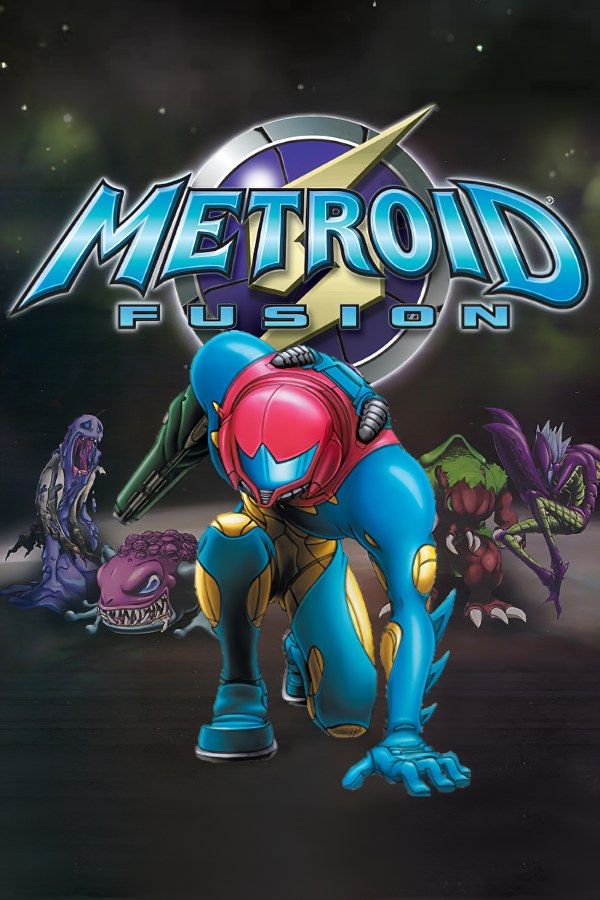
Metroid Fusion is the Game Boy Advance Metroid that Nintendo R&D1 released in 2002. On a mission to the planet SR388, Samus is infected by the X Parasite, and a vaccine made from Metroid cells saves her life. She wakes up aboard a research station the X have overrun, where a copy of her at full power, the SA-X, is on the loose, and her ship’s computer, Adam, sends her from one sector to the next. If you own the game, Nagori lets you play it on iPhone and iPad.
What you need
- An iPhone or iPad with iOS 17.6 or later.
- Nagori from the App Store. Your first game is free.
- The game file of your copy of Metroid Fusion in
.gbaformat, or a.zipor.rarcontaining it.
No BIOS file is needed.
How to play Metroid Fusion on iPhone
- Install Nagori from the App Store.
- Copy your Metroid Fusion
.gbafile to the Files app, in iCloud Drive or On My iPhone. - Open Nagori, tap + and select the file, or the
.zipor.rarit’s in. - Find Metroid Fusion on the GBA shelf and press Play.
Controls
Here is what each button does in Fusion:
- A jumps and B fires. Once you have the Charge Beam, hold B to charge it.
- Hold R to ready missiles, then press B to fire one. In the Morph Ball, the same pair drops a Power Bomb.
- Hold L to aim diagonally.
- Press Down twice to roll into the Morph Ball.
The Standard touch layout has all of these, with L and R in the top corners. Since you hold R while pressing B so often, open Edit Layout in the pause menu and drag R right next to B, close enough that one thumb covers both. Then pinch the D-pad bigger: storing a Shinespark, rolling into the Morph Ball and wall jumping all need clean Down and sideways presses.
A controller suits Fusion well: L and R sit under your index fingers, so you can aim or ready missiles without taking a thumb off the D-pad or B. The left stick works as the D-pad too, and pressing it opens the pause menu.
Saves
Fusion saves only in Save Rooms spread through the station, and if Samus dies, you start again from the last one. Nagori keeps that in-game save automatically. On top of it:
- Continue. Leave the app anywhere and Continue in the game menu puts you back on the exact screen.
- Save states. Pause and choose Save to save anywhere. Nagori keeps your last four per game.
- iCloud. Save to iCloud copies your progress to your private iCloud, and Load from iCloud picks it up on your iPad.
Bosses and the SA-X
Fusion is a guided game, and its hardest moments are the boss fights, Yakuza and Nightmare among them, plus the SA-X, which you can’t fight early on and have to run from. The nearest Save Room isn’t always close to the boss, so save states help:
- Make a state at the boss door. If the fight goes wrong, Load puts you back at the door instead of the last Save Room.
- Keep an older state too. With four slots, keep one from earlier in the sector in case you walked in low on missiles.
- Learn patterns in Slow Motion. At half speed you can see how a boss moves and where to stand. Bind Slow Motion to a controller button, or add the ×0.5 button in My Layout.
Best settings
- Picture Smoothing softens the sprites. Turn it off for the sharp pixels of the GBA screen.
- Full Screen stretches the picture. Leave it off to keep the GBA’s 3:2 shape.
- Screen Effects adds CRT scanlines, a screen curve or bloom, from Off to Strong.







