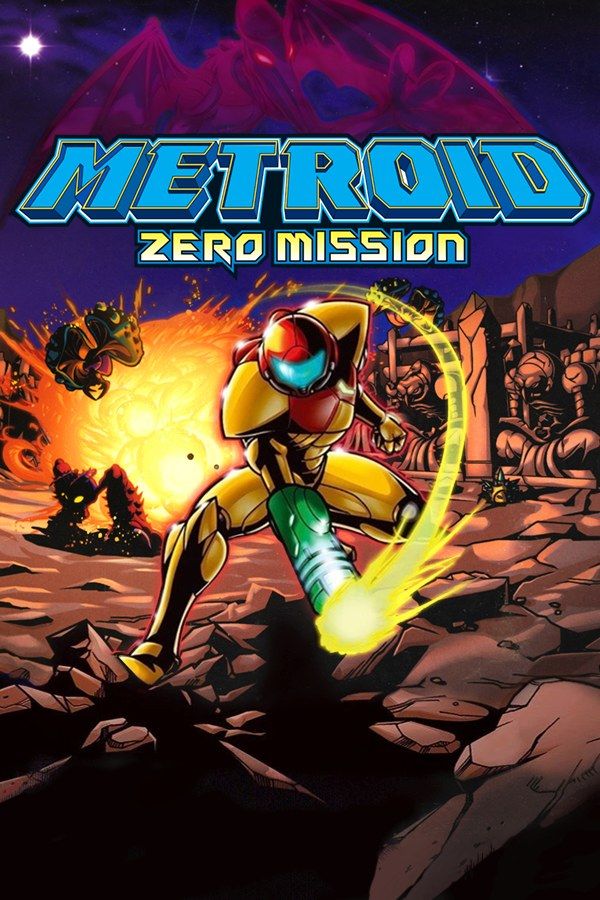
Metroid: Zero Mission is Nintendo R&D1’s 2004 Game Boy Advance remake of the original Metroid from 1986. Samus lands on planet Zebes to destroy Mother Brain and the Space Pirates, with Kraid and Ridley in the way. The remake adds a map, new areas and a new chapter after the original ending, and Chozo statues mark your next destination on the map. If you own the game, Nagori lets you play it on iPhone and iPad.
What you need
- An iPhone or iPad with iOS 17.6 or later.
- Nagori from the App Store. Your first game is free.
- The game file of your copy of Zero Mission in
.gbaformat, or a.zipor.rarcontaining it.
No BIOS file is needed.
How to play Metroid: Zero Mission on iPhone
- Install Nagori from the App Store.
- Copy your Zero Mission
.gbafile to the Files app, in iCloud Drive or On My iPhone. - Open Nagori, tap + and select the file. An archive works too: Nagori unpacks
.zipand.rarfiles on import. - Find Zero Mission on the GBA shelf and press Play.
Controls
A jumps and B fires. Hold R to ready missiles and press B to launch them, and hold L to aim diagonally. Press Down twice to curl into the Morph Ball, where B drops bombs.
Many of Zero Mission’s hidden items sit behind Shinespark puzzles: run until the Speed Booster kicks in, press Down to store the charge, then jump to launch Samus. On a touch screen, every step of that happens on the D-pad and A, so open Edit Layout in the pause menu and pinch the D-pad bigger. Nagori’s D-pad also follows your thumb if it drifts, so a run doesn’t stop because your thumb slid off the edge.
While you’re in Edit Layout, drag R down beside B. Then your right thumb can hold R and press B in one motion, and you aren’t reaching for the top corner every time a door needs a missile.
With a controller, use its D-pad rather than the stick for Shinesparks and wall jumps. The left stick works as the D-pad too, and pressing it opens the pause menu.
Saves
Zero Mission saves in save rooms across Zebes. Nagori keeps that in-game save automatically, and adds:
- Continue. Leave the app at any moment and Continue in the game menu brings you back to the same screen.
- Save states. Pause and choose Save before Kraid, Ridley or Mother Brain, or before a tricky Shinespark. If it goes badly, Load and try again. Nagori keeps your last four per game.
- iCloud. Save to iCloud stores your progress in your private iCloud, and Load from iCloud picks it up on your iPad.
After Mother Brain
Zero Mission doesn’t end where the 1986 game did. In the new chapter, Samus loses her Power Suit and has to sneak through Space Pirate territory in her Zero Suit, armed only with a pistol that stuns. Getting spotted brings Pirates after you, so this stretch rewards patience more than reflexes. Make a save state whenever you reach a quiet spot: if a Pirate catches you, Load puts you back there.
Finishing the game unlocks the original Metroid, which runs inside Zero Mission, so you can play it in Nagori as well. Item hunting for 100% means crossing Zebes again and again, and Fast Forward at twice the speed makes the walking shorter. Bind it to a controller button, or add the ×2 button in My Layout.
Best settings
- Picture Smoothing gives the sprites softer edges. Turn it off to keep every pixel crisp.
- Full Screen stretches the picture. Leave it off to keep the GBA’s 3:2 shape.
- Screen Effects adds CRT scanlines, a screen curve or chromatic aberration, from Off to Strong.
On iPad you can also hold the device upright, with the picture on top and the controls below.







