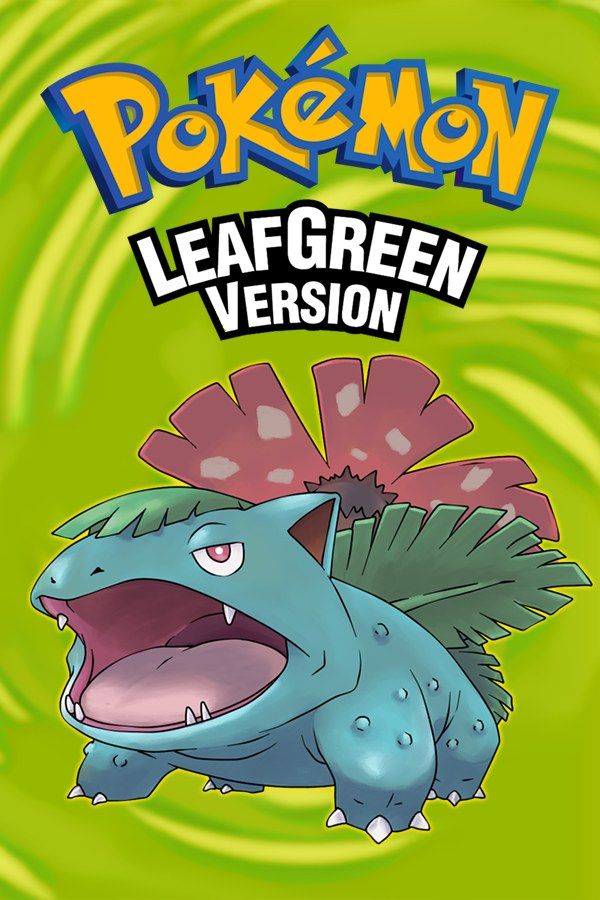
Pokémon LeafGreen is the counterpart to FireRed: Game Freak’s 2004 Game Boy Advance remake of the first Pokémon games, with Venusaur on the cover. Both versions follow the same journey from Pallet Town through Kanto’s eight gyms, Team Rocket and the Elite Four, plus the Sevii Islands, but some wild Pokémon only appear in one of them. If you own LeafGreen, Nagori lets you play it on iPhone and iPad.
What you need
- An iPhone or iPad with iOS 17.6 or later.
- Nagori from the App Store. Your first game is free.
- The game file of your copy of Pokémon LeafGreen in
.gbaformat, or a.zipor.rarcontaining it.
No BIOS file is needed.
How to play Pokémon LeafGreen on iPhone
- Install Nagori from the App Store.
- Copy your LeafGreen
.gbafile to the Files app, in iCloud Drive or On My iPhone. - Open Nagori, tap + and select the file. Nagori finds the box art for it by itself.
- Find LeafGreen on the GBA shelf and press Play.
Controls
LeafGreen uses the D-pad and the A, B, Start and Select buttons, all on the Standard touch layout. A confirms, B cancels, and once you have the Running Shoes, holding B makes you run. Select uses one key item you register from the Bag. The Bicycle is the usual pick, but the Vs. Seeker, an item new to these remakes, is worth registering when you want rematches with trainers you’ve already beaten.
You hold B for most of the walk across Kanto, so open Edit Layout in the pause menu, pinch B a little bigger and drag it to where your right thumb rests.
Fast Forward at ×2 speeds up Vs. Seeker rematches, level grinding and the trips between towns. Bind it to a controller button, or add the ×2 button in My Layout.
With a controller, the left stick also moves your character, and pressing it opens the pause menu.
Saves
LeafGreen writes one save file to the cartridge when you choose Save in the Start menu. Nagori keeps that save automatically, and adds:
- Continue. Close Nagori anywhere, and Continue in the game menu resumes on the same screen.
- Safari Zone retries. In Fuchsia City’s Safari Zone you only get a limited number of Safari Balls and steps, and Pokémon can run away. Make a save state at the entrance. If Pinsir or Chansey flees, Load and walk in again.
- Snorlax. Two Snorlax block the roads south of Lavender Town and west of Celadon City. Save before you wake one with the Poké Flute, and load if the catch fails.
- iCloud. Save to iCloud stores your progress in your private iCloud, and Load from iCloud picks it up on your iPad.
Nagori keeps your last four save states per game.
LeafGreen’s exclusive Pokémon
These Pokémon appear in LeafGreen and not in FireRed:
- Sandshrew and Sandslash
- Vulpix and Ninetales
- Bellsprout, Weepinbell and Victreebel
- Meowth and Persian
- Magmar
- Pinsir
FireRed has Ekans, Oddish, Mankey, Growlithe, Electabuzz and Scyther in their place. On the Game Boy Advance you traded for the other version’s Pokémon with a link cable or the Wireless Adapter. Nagori plays GBA games for one player with no link support, so a complete LeafGreen Pokédex is out of reach. Trade evolutions stop early as well: you can’t reach Alakazam, Machamp, Golem or Gengar.
If you’d rather have Charizard on the box, see how to play Pokémon FireRed.
Best settings
- Picture Smoothing blurs the pixel edges slightly. Turn it off for the crisp look of the original screen.
- Full Screen stretches the picture across the display. Leave it off to keep the GBA’s 3:2 shape.
- Screen Effects adds CRT scanlines, a screen curve or bloom, each from Off to Strong.







