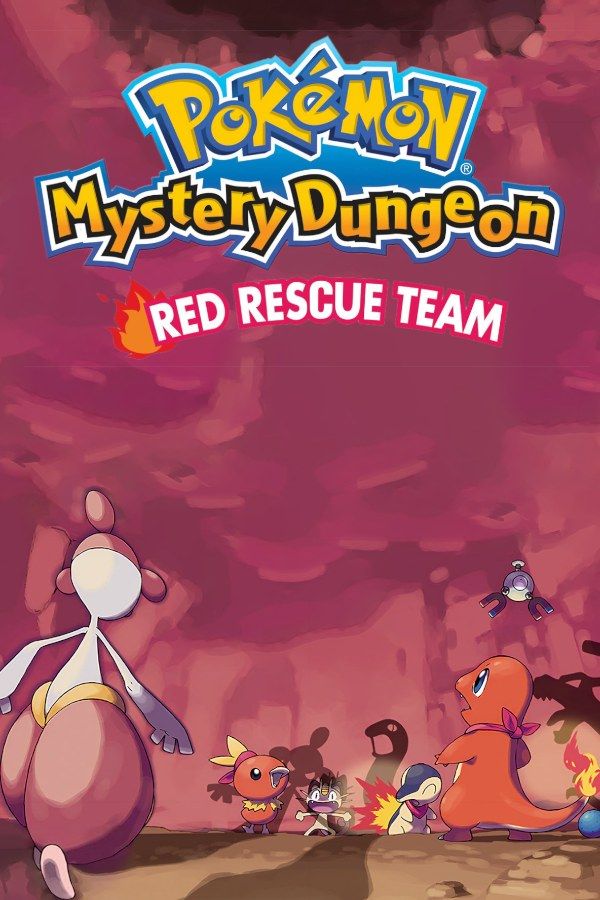
Pokémon Mystery Dungeon: Red Rescue Team is a dungeon-crawling RPG that Chunsoft developed for the Game Boy Advance, released in 2005 together with Blue Rescue Team for the Nintendo DS. A personality quiz at the start decides which Pokémon you wake up as, you pick a partner, and the two of you form a rescue team that takes on jobs for Pokémon in trouble while natural disasters strike their world. The floors of each dungeon are built anew on every visit, so no run is the same. If you own the game, Nagori lets you play it on iPhone and iPad.
What you need
- An iPhone or iPad with iOS 17.6 or later.
- Nagori from the App Store. Your first game is free.
- The game file of your copy of Red Rescue Team in
.gbaformat, or a.zipor.rarcontaining it.
No BIOS file is needed.
How to play Pokémon Mystery Dungeon: Red Rescue Team on iPhone
- Install Nagori from the App Store.
- Copy your Red Rescue Team
.gbafile to the Files app, in iCloud Drive or On My iPhone. - Open Nagori, tap + and select the file. Nagori keeps its own copy, so you can delete the original afterwards.
- Find Red Rescue Team on the GBA shelf with its box art and press Play.
Controls
Dungeons are turn-based: each step or attack you make gives every other Pokémon on the floor one turn, so you can take your time. You move across a grid in eight directions, and A attacks whatever stands in front of you or talks to it. The Standard touch layout has every button the game uses.
Because the direction of each step matters, open Edit Layout in the pause menu and pinch the D-pad bigger, so it’s easier to hit the direction you mean. A controller’s D-pad is the most precise option for long sessions. Bluetooth controllers that iOS supports work, including DualSense, DualShock 4 and Xbox controllers.
Fast Forward at ×2 shortens the walk through cleared floors and the slower scenes in town. Bind it to a controller button, or add the ×2 button in My Layout.
Saves
Nagori keeps the game’s own save automatically, so everything you save in the game is there next time. It also adds:
- Continue mid-dungeon. Leave the app in the middle of a floor and Continue in the game menu puts you back on that floor, with the same layout and the same enemies.
- Save states before the hard parts. If your team faints, you lose money and items you were carrying. Pause and choose Save when you reach a deep dungeon or a boss, and if the run falls apart, Load and keep your haul. Nagori keeps your last four saves per game.
- iCloud. Save to iCloud stores your progress in your private iCloud, and Load from iCloud continues it on your iPad.
Playing without rescues
On the original hardware, a team that faints in a dungeon can ask another player to come and rescue it. Friend rescues aren’t available in Nagori, which plays Game Boy Advance games for one player and has no link support. Plan your runs to get by on your own:
- Leave items you can’t afford to lose in Kangaskhan Storage before you set out.
- Carry Reviver Seeds, which bring a fainted Pokémon back.
- Watch the Belly meter. It drops as you walk, so pack Apples for long dungeons.
- Make a save state at the start of each tough floor. It stands in for a rescue: if things go wrong, load and try the floor again.
Best settings
- Picture Smoothing softens the tiles and sprites. Turn it off to keep the dungeon grid sharp.
- Full Screen stretches the picture to the edges. Leave it off to keep the 3:2 shape, so the grid isn’t distorted.
- Screen Effects adds CRT scanlines, a screen curve or bloom, from Off to Strong.







