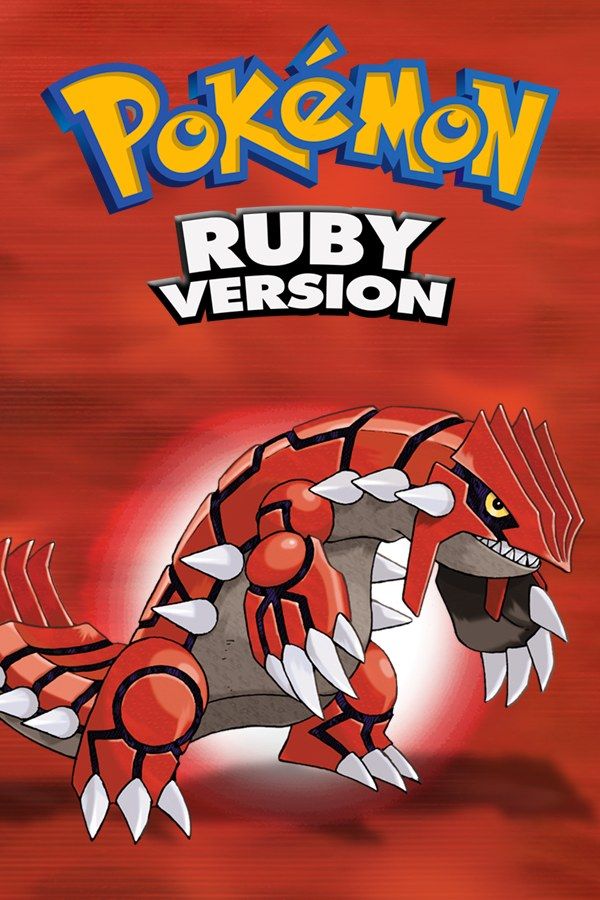
Pokémon Ruby is one half of the first Pokémon pair made for the Game Boy Advance, developed by Game Freak and released alongside Pokémon Sapphire in 2002. You move to Littleroot Town in the Hoenn region, choose Treecko, Torchic or Mudkip, and work through eight gyms toward the Pokémon League. In Ruby, the main villains are Team Magma, who want to expand the land and go after Groudon, the legendary Pokémon on the cover. If you own the game, Nagori lets you play it on iPhone and iPad.
What you need
- An iPhone or iPad with iOS 17.6 or later.
- Nagori from the App Store. Your first game is free.
- The game file of your copy of Pokémon Ruby in
.gbaformat, or a.zipor.rarcontaining it.
No BIOS file is needed.
How to play Pokémon Ruby on iPhone
- Install Nagori from the App Store.
- Copy your Ruby
.gbafile to the Files app, in iCloud Drive or On My iPhone. - Open Nagori, tap + and select the file. Nagori recognizes it as a Game Boy Advance game by itself.
- Find Ruby on the GBA shelf with its box art and press Play.
Controls
Ruby plays with the D-pad, A, B, Start and Select, and the Standard touch layout has all of them. A talks and confirms, B backs out, Start opens the menu, and once you have the Running Shoes, holding B makes you run. In Mauville City you choose the Mach Bike or the Acro Bike; register it in the Bag and Select gets you on and off.
Two settings in the game’s own Options menu save a lot of time: set Text Speed to Fast and turn Battle Scene off to skip the move animations.
If you never touch L and R, hide them in Edit Layout (pause menu) and pinch A and B bigger. Fast Forward doubles the speed while you level a team before the next gym; bind it to a controller button or add the ×2 button in My Layout.
With a controller, the left stick doubles as the D-pad, and pressing it opens the pause menu.
Saves
Ruby keeps one save file on the cartridge and saves only when you choose Save from the Start menu. Nagori keeps that save automatically and adds:
- Continue. Close the app mid-route and Continue in the game menu puts you back on the same step.
- Save states before legendaries. Pause and choose Save before Groudon in the Cave of Origin, the three Regis, or Rayquaza at Sky Pillar. If you knock one out, Load and throw again. Nagori keeps your last four saves per game.
- iCloud. Save to iCloud stores your progress in your private iCloud, and Load from iCloud continues it on your iPad.
Ruby’s exclusive Pokémon
Some wild Pokémon appear only in Ruby, others only in Sapphire, and players traded over a link cable to fill their Pokédex. Nagori plays GBA games for one player with no link support, so a full Pokédex isn’t possible in one version.
- Only in Ruby: Seedot, Nuzleaf and Shiftry, Mawile, Zangoose, Solrock and Groudon.
- Missing from Ruby: Lotad, Lombre and Ludicolo, Sableye, Seviper, Lunatone and Kyogre.
Trade evolutions stop too: Kadabra stays Kadabra, and Clamperl can’t become Huntail or Gorebyss. Link battles, Record Mixing and moving Pokémon to Pokémon Colosseum on the GameCube also need a cable.
Ruby next to Emerald
If you played Pokémon Emerald first, a few things work differently here:
- Team Magma is the main villain team, and Rayquaza is an optional encounter after the Elite Four rather than part of the story.
- Wallace leads the Sootopolis City gym, and Steven is the Champion.
- The post-game challenge is the Battle Tower, not the Battle Frontier.
Best settings
- Picture Smoothing softens the sprites. Turn it off for the sharp pixels of the GBA screen.
- Full Screen stretches the picture to your display. Leave it off to keep the 3:2 shape.
- Screen Effects adds CRT scanlines, a screen curve or bloom, from Off to Strong.







