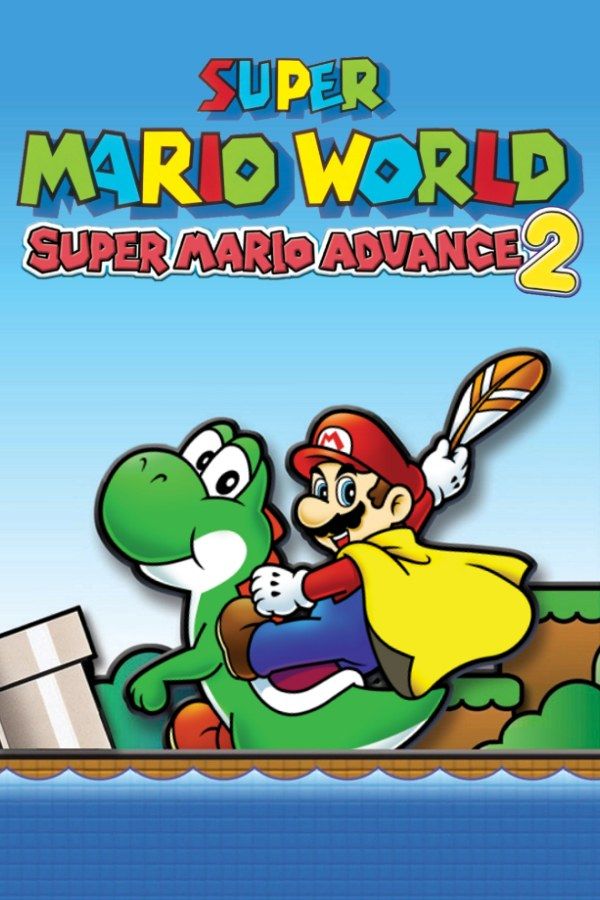
Super Mario Advance 2 is Nintendo’s 2001 Game Boy Advance version of Super Mario World, the game that launched the Super Nintendo in 1990. Mario and Luigi cross Dinosaur Land to rescue the princess from Bowser, riding Yoshi, flying with the cape and hunting secret exits. If you own the game, Nagori lets you play it on iPhone and iPad.
What you need
- An iPhone or iPad with iOS 17.6 or later.
- Nagori from the App Store. Your first game is free.
- The game file of your copy of Super Mario Advance 2 in
.gbaformat, or a.zipor.rarcontaining it.
No BIOS file is needed.
How to play Super Mario Advance 2 on iPhone
- Install Nagori from the App Store.
- Copy your Super Mario Advance 2
.gbafile to the Files app, in iCloud Drive or On My iPhone. - Open Nagori, tap + and select the file. If the game is in a
.zipor.rar, select the archive and Nagori unpacks it. - Find Super Mario Advance 2 on the GBA shelf with its box art and press Play.
Controls
A jumps, B runs, picks up shells and throws fireballs, and R does the spin jump. Select drops the item from your reserve box, and L pans the camera. All of them are on the Standard touch layout.
On that layout R sits along the top, away from your thumb, yet you’ll spin jump all the time. Open Edit Layout in the pause menu and drag R down next to A and B.
The cape is the hardest thing to control by touch. You take off from a run with B held, then pressing away from your direction pulls you up and pressing forward dives. That rocking suits a controller better. Bluetooth controllers that iOS supports, including DualSense, DualShock 4 and Xbox controllers, work with Nagori; the left stick doubles as the D-pad, and pressing it opens the pause menu.
What’s different from the Super Nintendo version
- Luigi plays his own way. He jumps higher but more slowly, his fireballs bounce higher, and on Yoshi he spits swallowed enemies back out as weapons.
- Hits hurt less. With the cape or a fire flower, a hit drops you back to Super size instead of all the way down.
- Save anywhere. The original only saved after places like ghost houses and castles. This version saves at any time, on the map or in a level.
- Mario Bros. Classic, an arcade remake, is on the cartridge too. You can play it on your own; its multiplayer needs a link cable, which Nagori doesn’t support.
Saves
Nagori keeps the game’s own save automatically, and adds:
- Continue. Nagori saves the moment you leave the game, and Continue picks up from there.
- Save states. Pause and choose Save before a castle, Bowser or a hard Special Zone level such as Tubular. If it goes badly, Load. Nagori keeps your last four saves per game.
- iCloud. Save to iCloud and Load from iCloud move your progress between iPhone and iPad.
Finding all 96 exits
Dinosaur Land has 96 exits. Levels marked with a red dot on the map have a second, secret exit, often a keyhole or a hidden goal, and those exits open new routes, the Star Road and eventually the Special Zone. Make a save state at the start of a red-dot level; if a route is a dead end, Load and try another. Slow Motion (×0.5) helps you practice a tricky stretch: bind it to a controller button or add the ×0.5 button in My Layout.
Best settings
- Picture Smoothing gives Dinosaur Land softer edges. Turn it off for raw pixels.
- Full Screen stretches the picture. Leave it off to keep the 3:2 shape.
- Screen Effects → CRT Screen brings back the look of playing on a tube TV.







