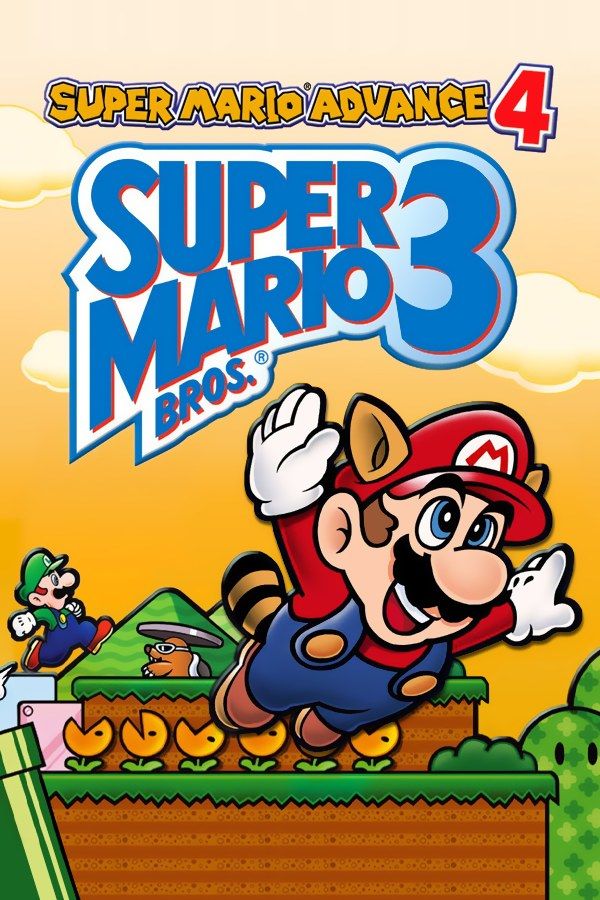
Super Mario Advance 4 is Nintendo’s 2003 Game Boy Advance remake of Super Mario Bros. 3, the 1988 NES game, built on the version from Super Mario All-Stars. Mario crosses eight worlds, from Grass Land to Dark Land, chasing Bowser’s Koopalings through their airships, with the Super Leaf, the Tanooki Suit, the Frog Suit and the Hammer Suit along the way. If you own the game, Nagori lets you play it on iPhone and iPad.
What you need
- An iPhone or iPad with iOS 17.6 or later.
- Nagori from the App Store. Your first game is free.
- The game file of your copy of Super Mario Advance 4 in
.gbaformat, or a.zipor.rarcontaining it.
No BIOS file is needed.
How to play Super Mario Advance 4 on iPhone
- Install Nagori from the App Store.
- Copy your Super Mario Advance 4
.gbafile to the Files app, in iCloud Drive or On My iPhone. - Open Nagori, tap + and select the file. If the game is in a
.zipor.rar, select the archive and Nagori unpacks it. - Find Super Mario Advance 4 on the GBA shelf with its box art and press Play.
Controls
A jumps and swims. B runs, picks up shells, throws fireballs and hammers and swings the raccoon tail, and R does the same as B. On the world map, L opens the items you’ve collected. All of this fits on the Standard touch layout.
Flying is the move to set up for. With the Super Leaf or the Tanooki Suit, hold B to run until the P-meter fills, then tap A again and again to climb. Holding one button while tapping the next is awkward with one thumb, so open Edit Layout in the pause menu, make A and B bigger and drag them close together. Then you can keep the side of your thumb on B and rock it onto A.
A controller makes flying much easier, because R runs too: hold R on the shoulder and tap A with your thumb. Bluetooth controllers that iOS supports, including DualSense, DualShock 4 and Xbox controllers, work with Nagori; the left stick doubles as the D-pad, and pressing it opens the pause menu.
Saves
The NES original couldn’t save at all. Super Mario Advance 4 saves to the cartridge after fortresses and airships, and you can also save from the pause menu partway through a world. Nagori keeps that save automatically, and adds:
- Continue. Nagori saves the moment you leave the game, even mid-level, and Continue picks up from there.
- Save states. Pause and choose Save before an airship or a Koopaling. If it goes badly, Load. Nagori keeps your last four saves per game.
- iCloud. Save to iCloud and Load from iCloud move your progress between iPhone and iPad.
Spend items without losing them
You carry items on the world map and use them before a level, and the rare ones hurt to waste. A P-Wing, for one, lets you fly through a whole level. Make a save state on the map before you use it. If you lose the level anyway, Load, and the P-Wing is back in your inventory.
What needs an e-Reader
This version was built to work with the Nintendo e-Reader, a scanner for printed cards. Cards added new levels in World-e, gave you power-ups and switched on special effects in the main game. Nagori doesn’t support the e-Reader, so none of that card content is available.
The same goes for link play. You can play Mario Bros. Classic, the arcade remake on the cartridge, on your own, but its multiplayer needs a link cable. The full Super Mario Bros. 3 adventure, all eight worlds, needs neither.
Best settings
- Picture Smoothing softens the sprites. Turn it off for sharp, raw pixels.
- Full Screen stretches the picture. Leave it off to keep the 3:2 shape.
- Screen Effects → Screen Curve bends the picture like an old tube TV, from Off to Strong.







