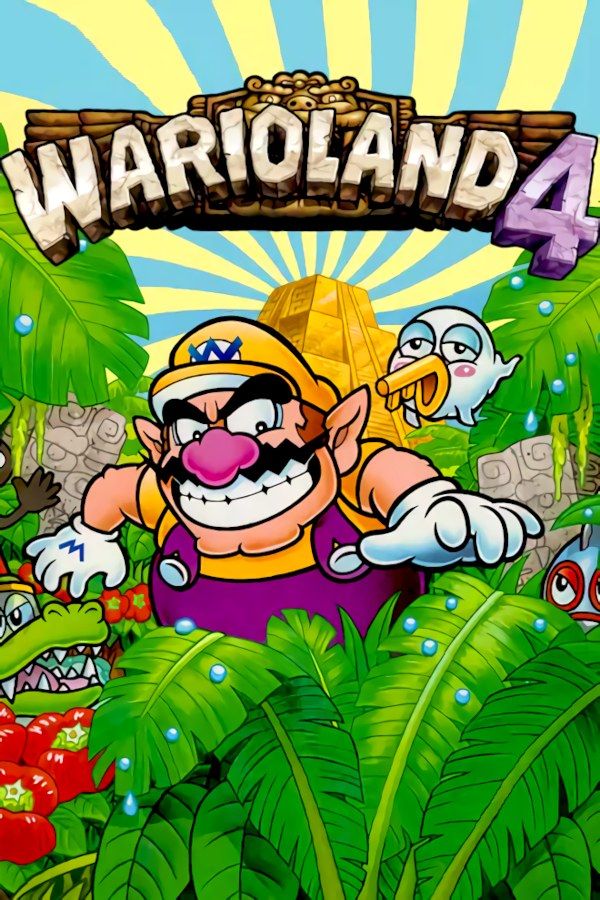
Wario Land 4 is Nintendo’s 2001 platformer for the Game Boy Advance. Wario hears about a golden pyramid full of treasure, goes inside, and works his way through its passages to the Golden Diva at its heart. Every level hides four pieces of a jewel and a CD, and to get out you find the Keyzer, hit the frog switch and race back to the start before a countdown runs out. If you own the game, Nagori lets you play it on iPhone and iPad.
What you need
- An iPhone or iPad with iOS 17.6 or later.
- Nagori from the App Store. Your first game is free.
- The game file of your copy of Wario Land 4 in
.gbaformat, or a.zipor.rarcontaining it.
No BIOS file is needed.
How to play Wario Land 4 on iPhone
- Install Nagori from the App Store.
- Copy your Wario Land 4
.gbafile to the Files app, in iCloud Drive or On My iPhone. - Open Nagori, tap + and select the file. If it’s in a
.zipor.rar, select the archive and Nagori unpacks it. - Find Wario Land 4 on the GBA shelf with its box art and press Play.
Controls
Wario gets around with a jump, a shoulder bash that knocks enemies and blocks out of the way, and a ground pound that smashes blocks beneath him. The Standard touch layout has every Game Boy Advance button, with L and R along the top of the screen.
You often hold a direction while you jump and bash in quick succession. Open Edit Layout in the pause menu and drag A and B close together, so your right thumb can roll between them. The D-pad follows your thumb; if Wario crouches when you meant to run, pinch the D-pad bigger.
A controller suits the escape runs best. Bluetooth controllers that iOS supports work, including DualSense, DualShock 4 and Xbox controllers. The left stick works as the D-pad too, and pressing it opens the pause menu.
Beating the escape timer with save states
Hitting the frog switch turns the end of every level into a race: the countdown starts, and you have to get back to where you came in before it runs out. Nagori’s save states make that part less punishing:
- Save right after the frog switch. Pause and choose Save the moment the countdown starts. If time runs out, Load and run it again with the jewel pieces and coins you already have.
- Save before each boss. Every passage ends in a boss fight. Save just before you go in and Load if the fight goes wrong. Nagori keeps your last four saves per game.
- Slow down a hard jump. Slow Motion runs the game at half speed while you work out a tricky section. Bind it to a controller button, or add the ×0.5 button in My Layout.
They help with collecting, too: if you reach the exit with three jewel pieces of four, load an earlier state and look for the last one without replaying the level.
Saves
The cartridge records the levels you clear and the treasure you collect, and Nagori keeps that save automatically. Quit in the middle of a level and Continue puts you back in the same room. Save to iCloud and Load from iCloud move your progress to your iPad, and Export Saves makes a backup.
Best settings
Wario Land 4 has large, colorful, well-animated sprites:
- Picture Smoothing softens the edges of the sprites. Turn it off for the crisp pixels of the original screen.
- Full Screen stretches the picture. Leave it off to keep the 3:2 shape and Wario’s proportions.
- Screen Effects → Bloom makes the bright colors glow, and CRT Screen adds scanlines. Both go from Off to Strong.







