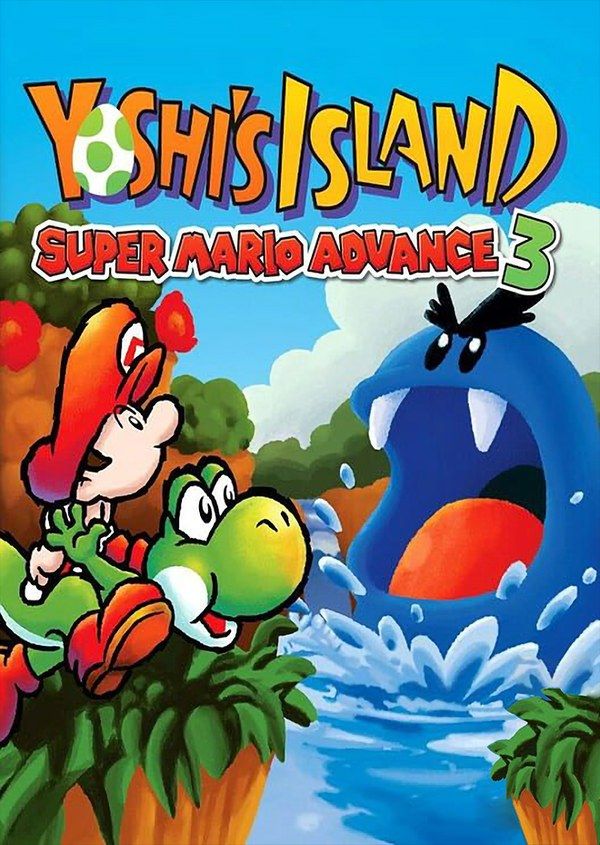
Yoshi’s Island: Super Mario Advance 3 is the 2002 Game Boy Advance version of Super Mario World 2: Yoshi’s Island, the 1995 Super Nintendo game. Kamek snatches Baby Luigi, Baby Mario lands on Yoshi’s Island, and the Yoshis carry him from one to the next across six worlds drawn in a crayon-and-pastel style. If you own the game, Nagori lets you play it on iPhone and iPad.
What you need
- An iPhone or iPad with iOS 17.6 or later.
- Nagori from the App Store. Your first game is free.
- The game file of your copy of Yoshi’s Island: Super Mario Advance 3 in
.gbaformat, or a.zipor.rarcontaining it.
No BIOS file is needed.
How to play Yoshi’s Island on iPhone
- Install Nagori from the App Store.
- Copy your Yoshi’s Island
.gbafile to the Files app, in iCloud Drive or On My iPhone. - Open Nagori, tap + and select the file. If the game is in a
.zipor.rar, select the archive and Nagori unpacks it. - Find Yoshi’s Island on the GBA shelf with its box art and press Play.
Controls
A jumps, and holding it keeps Yoshi in the air with his flutter jump. Press down in mid-air to ground pound. B shoots out Yoshi’s tongue to swallow an enemy, and pressing down turns it into an egg. R aims and throws eggs.
That last one shapes the touch setup. On the Standard layout R sits along the top edge, yet you use it almost as much as A. Open Edit Layout in the pause menu, drag R down near A and B and pinch it a little bigger, so throwing doesn’t take your thumb far from jumping.
Slow Motion (×0.5) gives you time to line up shots at moving targets, such as a winged cloud drifting past. Bind it to a controller button, or add the ×0.5 button in My Layout.
With a controller, R sits on a shoulder button where it belongs. Bluetooth controllers that iOS supports, including DualSense, DualShock 4 and Xbox controllers, work with Nagori; the left stick doubles as the D-pad, and pressing it opens the pause menu.
Saves
The cartridge holds three save files with your progress and your best score in each level. Nagori keeps that save automatically, and adds:
- Continue. Nagori saves the moment you leave the game, and Continue picks up from there.
- Save states. Pause and choose Save before a castle boss, usually an enemy Kamek’s magic has blown up to giant size. If it goes wrong, Load. Nagori keeps your last four saves per game.
- iCloud. Save to iCloud and Load from iCloud move your progress between iPhone and iPad.
Scoring 100 in every level
Each level is scored out of 100: 20 red coins, five flowers worth ten points each, and up to 30 stars on the countdown. When Yoshi gets hit, Baby Mario floats off in a bubble and the countdown starts; grab him before it runs out. Whatever is left on the timer at the goal counts toward your score. Score 100 in all eight levels of a world and you open its extra level and a bonus challenge.
A perfect run falls apart on a single missed flower, and red coins look almost like ordinary ones. Make a save state each time you collect a flower or a run of coins, and when you slip, Load instead of replaying the whole level. The Game Boy Advance version also adds six new levels, one per world.
Mario Bros. Classic
The cartridge also includes Mario Bros. Classic, which you can play on your own. Its multiplayer needs a link cable, which Nagori doesn’t support.
Best settings
- Picture Smoothing suits the soft, hand-drawn look. Turn it off for sharp, raw pixels.
- Full Screen stretches the picture. Leave it off to keep the 3:2 shape.
- Screen Effects → Bloom adds a soft glow to the pastel colors, from Off to Strong.







