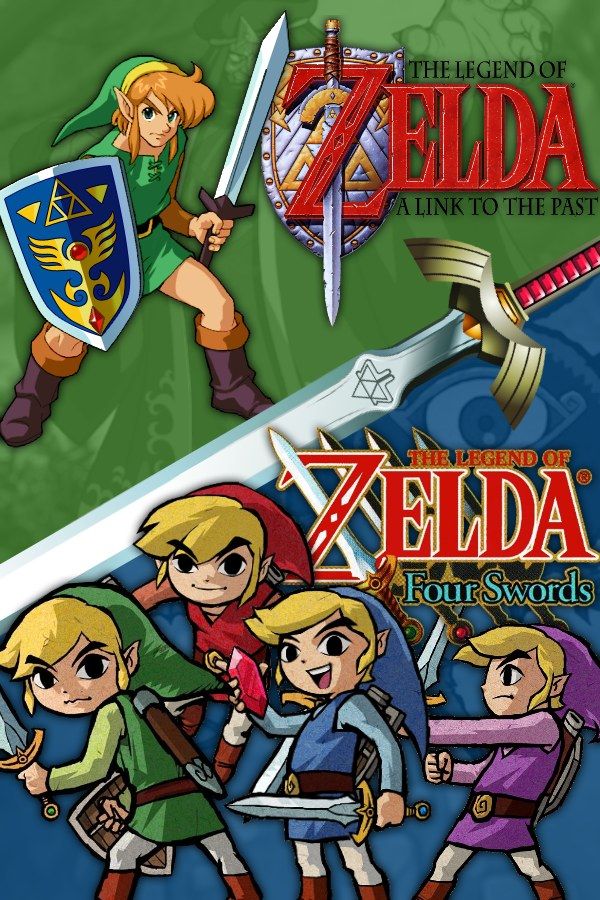
The Legend of Zelda: A Link to the Past & Four Swords is a 2002 Game Boy Advance cartridge with two games on it. A Link to the Past is the 1991 Super NES adventure in which Link crosses between the Light World and the Dark World to stop the wizard Agahnim and Ganon. Four Swords is a separate game for two to four players. If you own the cartridge, Nagori lets you play A Link to the Past on iPhone and iPad; Four Swords isn’t available.
What you need
- An iPhone or iPad with iOS 17.6 or later.
- Nagori from the App Store. Your first game is free.
- The game file of your copy of A Link to the Past & Four Swords in
.gbaformat, or a.zipor.rarcontaining it.
No BIOS file is needed.
How to play A Link to the Past on iPhone
- Install Nagori from the App Store.
- Copy your
.gbafile to the Files app, in iCloud Drive or On My iPhone. - Open Nagori, tap + and select the file. If it’s in a
.zipor.rar, select the archive and Nagori unpacks it. - Find the game on the GBA shelf with its box art and press Play.
- Choose A Link to the Past on the cartridge’s title menu.
Controls
The Standard touch layout has every Game Boy Advance button, with L and R along the top of the screen. Start opens the item screen, where you pick the item Link holds.
Most of the game is the sword and that one item, so you press both buttons constantly. Hold the sword button to charge a Spin Attack, then let go. If you have to stretch for either, open Edit Layout in the pause menu and drag them together under your right thumb, or pinch them bigger.
Link walks in eight directions, and the D-pad follows your thumb, so you can slide into a diagonal without lifting it. Make it bigger if Link keeps stepping into pits.
Fast Forward (×2) speeds up trips across Hyrule for Pieces of Heart. Bind it to a controller button, or add the ×2 button in My Layout. With a controller, the left stick works as the D-pad too, and pressing it opens the pause menu.
Four Swords needs other players
Four Swords was built for two to four people, each holding a Game Boy Advance with a copy of the game, connected by link cables. It can’t be played alone. Nagori plays Game Boy Advance games for one player and has no link cable support, so Four Swords can’t be played in Nagori.
That affects one extra in A Link to the Past: the GBA version’s bonus dungeon, the Palace of the Four Sword, opens only once you’ve finished both games, so it stays closed. Everything else, from the rainy night at Hyrule Castle to Ganon, plays in full.
Saves
The game’s own save keeps your progress, but loading it puts Link back at a fixed point, such as his house or the Sanctuary, not where you stopped. Nagori keeps that save automatically, and adds:
- Continue where you stopped. Nagori saves the moment you leave, and Continue puts you back in the same dungeon room.
- Save states before bosses. Moldorm, at the top of the Tower of Hera, can knock you down to the floor below. Pause and choose Save at the boss door, and Load if the fight goes wrong. Nagori keeps your last four saves per game.
- iCloud and backups. Save to iCloud and Load from iCloud move your progress to your iPad. Export Saves makes a backup copy.
Best settings
- Picture Smoothing softens the sprites; turn it off for crisp pixels.
- Full Screen stretches the picture; leave it off to keep the 3:2 shape.
- Screen Effects → CRT Screen with a light Screen Curve gives Hyrule the look of an old TV.







