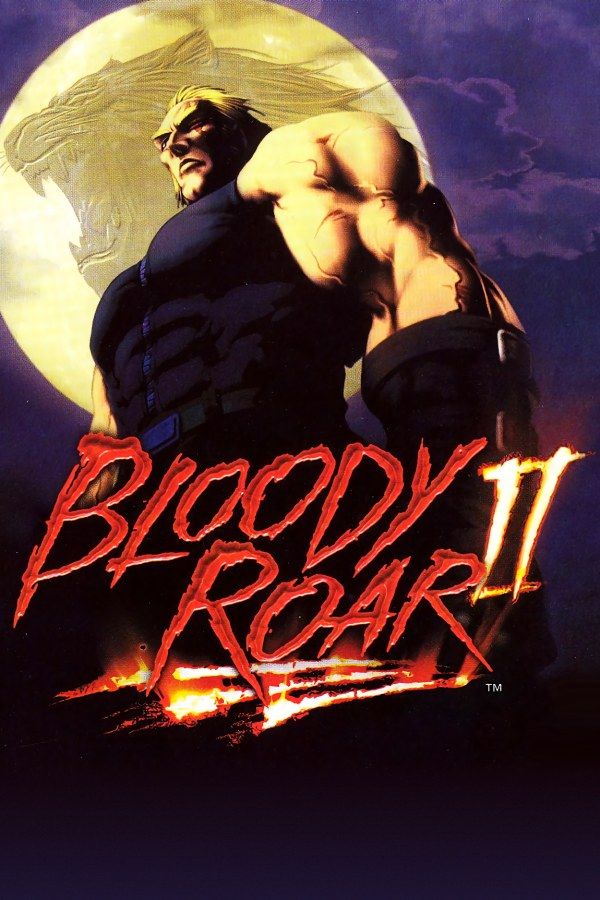
Bloody Roar 2 is a 3D fighting game from Raizing and Hudson Soft, released on the PlayStation in 1999. Every fighter is a zoanthrope, a human who can turn into an animal in the middle of a fight: Yugo becomes a wolf, Alice a rabbit. The sequel adds Beast Drives, super attacks that play out in a short cutscene, and modes such as Story and Survival next to Arcade and versus. If you own the game, Nagori lets you play it on iPhone and iPad.
What you need
- An iPhone or iPad with iOS 17.6 or later.
- Nagori from the App Store. Your first game is free.
- A disc image of your copy of Bloody Roar 2:
.chd,.cue+.bin,.pbp,.isoor.img, or a.zipor.rarcontaining it. The game fits on a single disc. - For two-player fights, two Bluetooth controllers.
No BIOS file is needed.
How to play Bloody Roar 2 on iPhone
- Install Nagori from the App Store.
- Copy your Bloody Roar 2 disc image to the Files app, in iCloud Drive or On My iPhone.
- Open Nagori, tap + and select the file. For a
.cueimage, select the.cuetogether with its.binfile, or add the archive they came in. - Find Bloody Roar 2 on the PS1 shelf with its box art and press Play.
Controls
Fights in Bloody Roar 2 revolve around three buttons: punch, kick and Beast. A Beast gauge fills as the fight goes on. Once it’s full enough, Beast turns your fighter into their animal form, and from then on the same button attacks as the beast.
The Standard touch layout has the D-pad and every button the game uses. You press Beast at the moment you choose to transform, so open Edit Layout in the pause menu and make it bigger, or drag it where your thumb finds it without looking.
A controller makes special moves easier. Many of them need a motion on the D-pad before the button, and a physical D-pad gets those out every time. With a controller, every button sits where it did on the PlayStation pad, and the left stick works as the D-pad too. Rumble comes through the controller, or through your iPhone with iPhone Vibration in Settings. Press the left stick to open the pause menu.
Two players
Bloody Roar 2’s versus mode is for two people on one screen, and Nagori supports two controllers. The touch controls hide while a controller is connected, so each player needs one, and both controllers rumble when Gamepad Vibration is on.
Learn Beast Drives in slow motion
Slow Motion runs the game at half speed, the computer included. Use it to learn a command move’s motion, the rhythm of a combo, or the right moment for a Beast Drive, then try the same thing at full speed. Assign it to a controller button in the pause menu, or add the ×0.5 button to My Layout.
Saves
Bloody Roar 2 saves what you unlock to a memory card. In Nagori, each game has its own memory card, written every few seconds, so your unlocks are still there next time. On top of that:
- Quit any time. Leave in the middle of a round and Continue puts you back in the same fight.
- Save states. In Survival, save between fights. If one ends the run, Load and take that fight again instead of starting over. Nagori keeps your last four saves per game.
Best settings
- Quality: High, the default, draws the 3D fighters and arenas at twice the original resolution.
- Precise Geometry, in Advanced Settings, steadies the slight wobble of PS1 polygons on the fighters and arenas.
- Leave Full Screen off to keep the 4:3 picture. On a wide iPhone, Edit Layout lets you move the controls into the black bars on the sides, so they don’t cover the fight.







