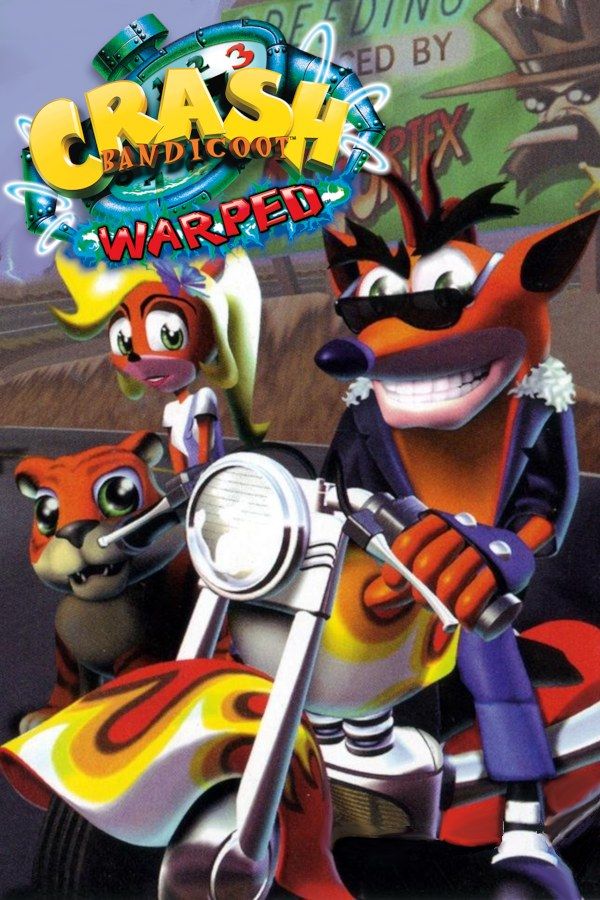
Crash Bandicoot: Warped, Naughty Dog’s third Crash platformer, came out in 1998. Dr. Neo Cortex and his master Uka Uka use Dr. N. Tropy’s Time Twister to hunt for crystals across history, and Crash and his sister Coco have to reach each crystal first: medieval villages, Egyptian tombs, the Great Wall of China, prehistoric jungles and a city of the future. If you own the game, Nagori lets you play it on iPhone and iPad.
What you need
- An iPhone or iPad with iOS 17.6 or later.
- Nagori from the App Store. Your first game is free.
- A disc image of your copy of Crash Bandicoot: Warped:
.chd,.cue+.bin,.pbp,.isoor.img, or a.zipor.rarcontaining it. The game fits on a single disc.
No BIOS file is needed.
How to play Crash Bandicoot: Warped on iPhone
- Install Nagori from the App Store.
- Copy your Crash Bandicoot: Warped disc image to the Files app, in iCloud Drive or On My iPhone.
- Open Nagori, tap + and select the file. For a
.cueimage, select the.cuetogether with all of its.binfiles, or add the archive they came in. - Find Warped on the PS1 shelf with its box art and press Play.
Controls
Warped changes what you control from level to level. Between platforming stages, Crash races a motorbike down a highway, flies a biplane and swims in scuba gear, while Coco rides a jet ski and a tiger along the Great Wall. The Standard touch layout, with the D-pad and the four face buttons, covers all of it.
Each boss you beat gives Crash a new move, including a double jump and the Death Tornado Spin, which keeps him in the air longer when you tap spin over and over. Open Edit Layout in the pause menu, make spin bigger and drag it right next to jump, so your thumb can go from a jump straight into rapid spins.
With a controller, every button sits where it did on the PlayStation pad, and the left stick works as the D-pad too. Press the left stick to open the pause menu.
Time trials and relics
Time trials are new in Warped. Once you’ve finished a level, play it again and a stopwatch floats at the start. Touch it and the clock runs until you reach the end. Yellow crates marked 1, 2 or 3 stop the clock for that many seconds, so breaking them matters as much as running fast. Beat the target time for a sapphire, gold or platinum relic.
Nagori makes the retries quicker. Make a save state a step before the stopwatch, and when a run goes wrong, Load: you’re back at the start in a second, instead of leaving the level and coming back in.
If a platinum time still looks out of reach, come back after the final boss: beating it gives Crash the Crash Dash, a sprint that makes the fastest times much easier.
Saves
Warped keeps your progress on a memory card, saved from the Time Twister hub between levels. Nagori writes that save to the game’s own memory card, as on the console, and adds:
- Quit any time. Leave the app in the middle of a level and Continue puts you back exactly where you were.
- Save states. Pause and choose Save before a boss or at the start of a motorbike race, where only first place wins the crystal. If it goes wrong, Load and try again. Nagori keeps your last four saves per game.
Best settings
- Quality: High, the default, renders the game’s 3D at twice the original resolution.
- Precise Geometry, in Advanced Settings, steadies the slight wobble of PS1 polygons. Try it on the jet ski levels, where the water stretches to the horizon.
- Screen Effects → CRT Screen adds scanlines if you want the game to look like it did on a 1990s TV.







