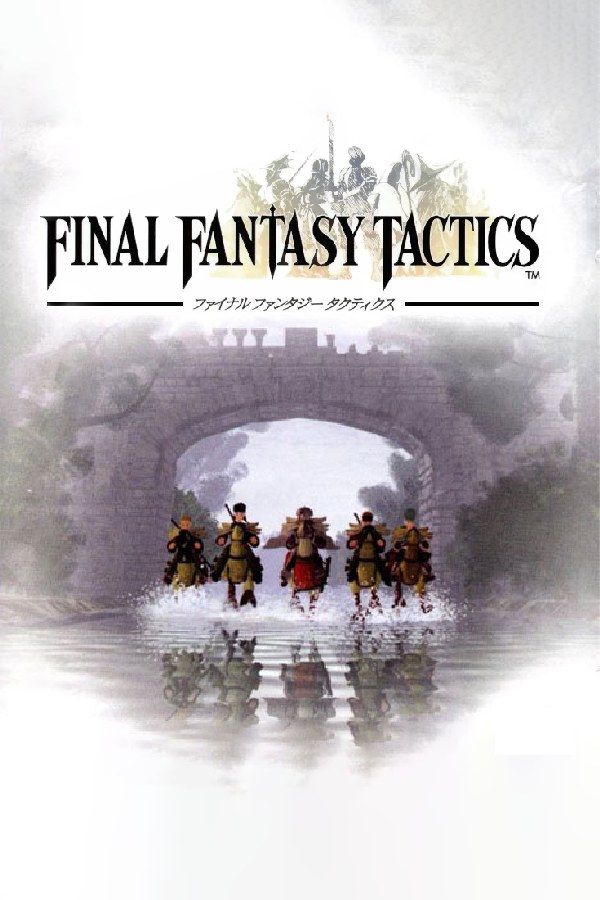
Square’s 1997 strategy RPG, released in North America in 1998, follows Ramza Beoulve, the youngest son of a noble house, through the War of the Lions, a fight over the throne of Ivalice. Battles are fought turn by turn on 3D maps made of tiles, and the job system lets every unit learn abilities from jobs such as Squire, Chemist, Knight and Black Mage. If you own the game, Nagori lets you play it on iPhone and iPad.
What you need
- An iPhone or iPad with iOS 17.6 or later.
- Nagori from the App Store. Your first game is free.
- A disc image of your copy of Final Fantasy Tactics:
.chd,.cue+.bin,.pbp,.isoor.img, or a.zipor.rarcontaining it. The game fits on a single disc.
No BIOS file is needed.
How to play Final Fantasy Tactics on iPhone
- Install Nagori from the App Store.
- Copy your Final Fantasy Tactics disc image to the Files app, in iCloud Drive or On My iPhone.
- Open Nagori, tap + and select the file. For a
.cueimage, select the.cuetogether with its.binfile, or add the archive it came in. - Find Final Fantasy Tactics on the PS1 shelf with its box art and press Play.
Controls
Final Fantasy Tactics is a game of cursors and menus: you move a cursor across the battlefield one tile at a time with the D-pad, then pick a command with the face buttons. The Standard touch layout covers it, and the shoulder buttons turn the map so you can see units behind walls and cliffs.
The map is drawn at an angle, so each D-pad direction moves the cursor diagonally across the screen, and it’s easy to land one tile off. Pause, open Settings → Edit Layout and make the D-pad bigger.
With a controller, every button sits where it did on the PlayStation pad, and the left stick works as the D-pad too. Press the left stick to open the pause menu.
Saves: only between battles
On the console, Final Fantasy Tactics saves only outside of battle, to the game’s memory card, so a long fight that falls apart near the end means starting over. Nagori adds:
- Quit mid-battle. Leave the app on any turn and Continue puts you back on the same turn.
- Save states. Pause and choose Save at the start of a battle or before a risky turn, and Load if it goes wrong. Nagori keeps your last four saves per game.
Keep your units alive
When a unit falls, a counter over its head runs down over three turns. If no one revives it in time, it turns into a crystal or a treasure chest and leaves your party for good. If that happens to a unit you’ve spent hours on, Load a save state from before.
Some story battles also come one after another, with the game offering to save in between. The best known are at Riovanes Castle in Chapter 3, where one fight is a duel between Ramza and Wiegraf. If you save over your only file with Ramza too weak to win it, you can get stuck. Before you go in, save to a second file on the memory card. Don’t count on save states alone here: Nagori keeps only the last four.
Speed up battles and job grinding
Abilities cost JP, and building up jobs usually means extra random battles on the world map. Nagori’s Fast Forward runs the game at twice its speed, spell animations and enemy turns included:
- With a controller, assign Fast Forward to a spare button under Settings → Fast Forward.
- On touch, open Edit Layout and add the ×2 button to My Layout.
Best settings
- Quality: High, the default, renders the 3D battlefields at twice the original resolution. The characters are 2D sprites, so they keep their pixel art.
- Precise Geometry, in Advanced Settings, steadies the wobble of the map’s polygons as you turn it.
- Quality: Low keeps the original resolution for both, if you want the maps to match the sprites.
- Screen Effects → CRT Screen adds scanlines that soften the sprites, as a 1990s TV did.







