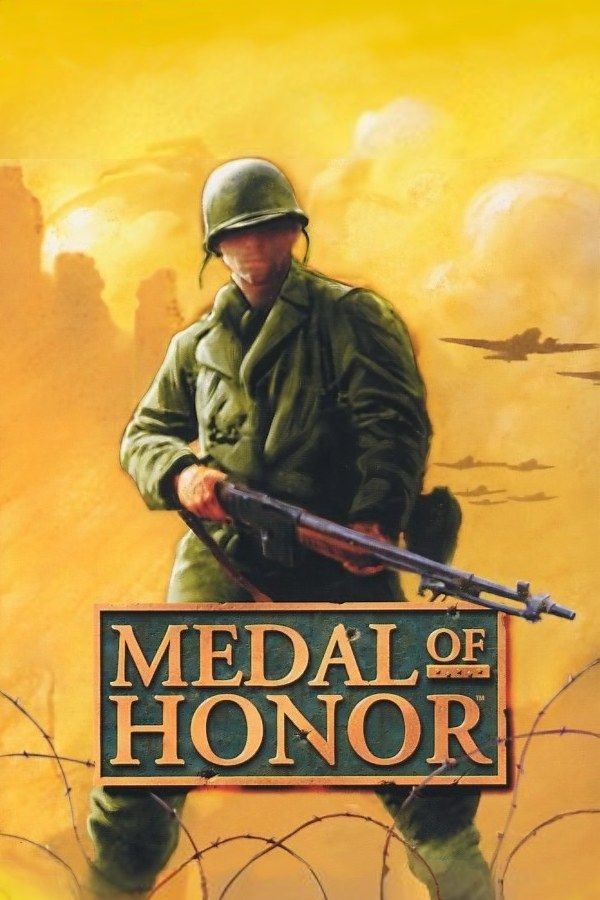
DreamWorks Interactive’s 1999 first-person shooter, from a story by Steven Spielberg, puts you in World War II as Lt. Jimmy Patterson, an agent of the OSS on missions behind German lines. Michael Giacchino wrote its orchestral score. Besides the campaign, the game has a split-screen mode for two players. If you own the game, Nagori lets you play it on iPhone and iPad, with a friend on a second controller.
What you need
- An iPhone or iPad with iOS 17.6 or later.
- Nagori from the App Store. Your first game is free.
- A disc image of your copy of Medal of Honor:
.chd,.cue+.bin,.pbp,.isoor.img, or a.zipor.rarcontaining it. The game fits on a single disc. - For two-player matches, two Bluetooth controllers.
No BIOS file is needed.
How to play Medal of Honor on iPhone
- Install Nagori from the App Store.
- Copy your Medal of Honor disc image to the Files app, in iCloud Drive or On My iPhone.
- Open Nagori, tap + and select the file. For a
.cueimage, select the.cuetogether with all of its.binfiles, or add the archive they came in. - Find Medal of Honor on the PS1 shelf with its box art and press Play.
Controls
A first-person shooter asks for a lot at once: you move, turn, look up and down, aim and fire, often in the same second. On touch, the Standard layout gives you the D-pad, the four face buttons and the shoulder buttons in the top corners, which is enough to play the whole game.
To make it comfortable, open Edit Layout in the pause menu. Make the button you fire with bigger and put it where your right thumb rests, then drag the shoulder buttons down so you can reach them without letting go of the D-pad.
A controller is still the most comfortable way to play a shooter. Every button sits where it did on the PlayStation pad, the shoulder buttons fall under your index fingers, and the left stick works as the D-pad too. Press the left stick to open the pause menu.
Two players: split screen
Medal of Honor’s two-player mode splits the screen in half, one view per player, and Nagori supports two controllers, which is all it needs. Connect both before you start the mode. The touch controls hide while a controller is connected, so each player needs one.
Saves
Medal of Honor keeps your campaign progress on the memory card. In Nagori, each game has its own memory card, written every few seconds, so other games never take its space. On top of that:
- Save states. Pause and choose Save before you open a door into a room full of soldiers, or before a stretch with snipers, and Load if it goes wrong instead of starting over. Nagori keeps your last four saves per game.
- Quit any time. Leave in the middle of a level and Continue puts you back exactly where you were, with the same health and ammo.
- Cheats. Nagori takes GameShark codes, each with its own on and off switch, if you want them.
Best settings
- Quality: High, the default, renders the levels and soldiers at twice the original resolution, which makes enemies at a distance easier to spot.
- Precise Geometry, in Advanced Settings, steadies the wobble of PS1 polygons. In a first-person game you turn all the time, and walls and floors hold still with it on.
- Quality: Low keeps the original resolution with sharp, unfiltered pixels, if you want the game exactly as it looked on the console.
- Screen Effects → CRT Screen adds scanlines, closer to the look of a 1990s TV.







