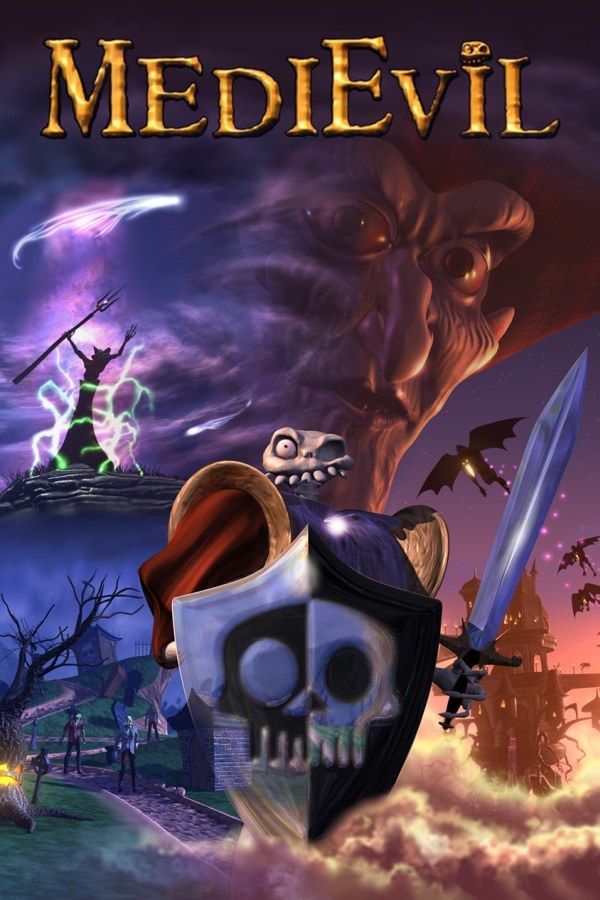
MediEvil is a 1998 action-adventure from SCE Cambridge Studio, set in the kingdom of Gallowmere. Sir Daniel Fortesque is remembered as the hero who defeated the sorcerer Zarok, but in truth he fell to the first arrow of the battle. A hundred years later Zarok returns and raises the dead, and Dan rises with them, a skeleton with one eye and no jaw, out to earn his legend this time. If you own the game, Nagori lets you play it on iPhone and iPad.
What you need
- An iPhone or iPad with iOS 17.6 or later.
- Nagori from the App Store. Your first game is free.
- A disc image of your copy of MediEvil:
.chd,.cue+.bin,.pbp,.isoor.img, or a.zipor.rarcontaining it. The game fits on a single disc.
No BIOS file is needed.
How to play MediEvil on iPhone
- Install Nagori from the App Store.
- Copy your MediEvil disc image to the Files app, in iCloud Drive or On My iPhone.
- Open Nagori, tap + and select the file. For a
.cueimage, select the.cuetogether with all of its.binfiles, or add the archive they came in. - Find MediEvil on the PS1 shelf with its box art and press Play.
Controls
MediEvil is a 3D game you can play entirely on the D-pad, so the Standard touch layout works: the D-pad on the left, the four face buttons on the right and the shoulder buttons in the top corners. Dan starts with a sword and picks up more weapons as he goes, including throwing daggers, and most fights are crowded, with the dead closing in from several sides. Your attack thumb gets a lot of work, so pause, open Settings → Edit Layout and make the face buttons bigger, or drag them to where your thumb rests.
With a controller, every button sits where it did on the PlayStation pad, and the left stick works as the D-pad too. Press the left stick to open the pause menu.
Saves
MediEvil keeps your progress on a memory card. In Nagori, each game has its own memory card, written every few seconds, so those saves work as they did on the console. On top of that:
- Quit any time. Leave in the middle of a level and Continue puts you back exactly where you were.
- Save states. Pause and choose Save before a boss or a big fight, and Load if it goes wrong. Nagori keeps your last four saves per game.
The Chalice of Souls
Each level holds a Chalice of Souls. It fills as Dan defeats the enemies of the level, and once it’s full he can pick it up. Carry it out of the level and Dan visits the Hall of Heroes, where one of Gallowmere’s heroes gives him a reward, often a new weapon.
Getting a chalice means clearing most of a level and then reaching the chalice itself, so one bad fight on the way can cost you the whole run. Save states take the risk out of it:
- Save when the chalice fills up, before you go looking for it.
- Save again once Dan holds it, so a mistake on the way to the exit costs you a minute, not the chalice.
Best settings
- Quality: High, the default, renders Gallowmere’s graveyards and fields at twice the original resolution.
- Precise Geometry, in Advanced Settings, steadies the slight wobble of PS1 polygons on walls, tombs and floors.
- Screen Effects → CRT Screen adds scanlines if you want the game to look like it did on a 1990s TV.
If your copy is a European (PAL) disc, it runs at 50 Hz, a little slower than the 60 Hz North American version, just as it did on the console.







