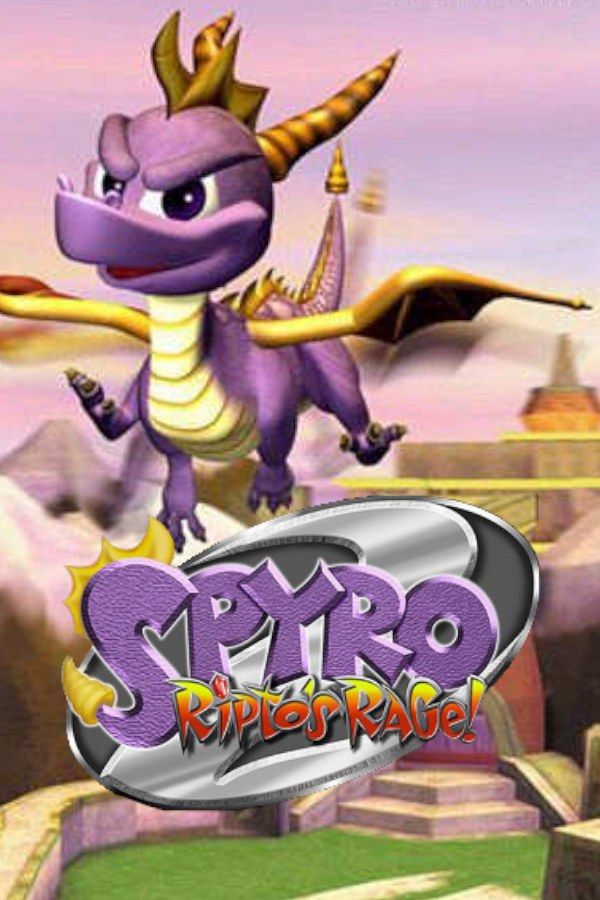
Spyro 2: Ripto’s Rage! is Insomniac Games’ 1999 sequel to Spyro the Dragon. Spyro sets off for a holiday at Dragon Shores but lands in Avalar instead, pulled through a portal by Elora, Hunter and the Professor. They need a dragon to stop Ripto, a sorcerer who hates dragons, and his two henchmen, Crush and Gulp. In Europe the game came out as Spyro 2: Gateway to Glimmer. If you own the game, Nagori lets you play it on iPhone and iPad.
What you need
- An iPhone or iPad with iOS 17.6 or later.
- Nagori from the App Store. Your first game is free.
- A disc image of your copy of Spyro 2:
.chd,.cue+.bin,.pbp,.isoor.img, or a.zipor.rarcontaining it. The game fits on a single disc.
No BIOS file is needed.
How to play Spyro 2 on iPhone
- Install Nagori from the App Store.
- Copy your Spyro 2 disc image to the Files app, in iCloud Drive or On My iPhone.
- Open Nagori, tap + and select the file. For a
.cueimage, select the.cuetogether with all of its.binfiles, or add the archive they came in. - Find Spyro 2 on the PS1 shelf with its box art and press Play.
Controls
Spyro 2 adds moves the first game didn’t have: swimming and diving underwater, climbing and the headbash, which Moneybags teaches for gems. Steering underwater and lining up a long glide both feel much better with a stick, so pause, open Settings and set Touch Layout to DualShock or D-Pad + Stick.
The charge only lasts while you hold its button, and a charge into a jump is how you cover the longest gaps. Open Edit Layout in the pause menu and drag charge and jump close together, so one thumb can hold charge and press jump without letting go.
With a controller, every button sits where it did on the PlayStation pad, and you steer with the left stick. Press the left stick to open the pause menu.
Talismans, orbs and Moneybags
Spyro 2 doesn’t ask you to free dragons, as the first game did. Avalar is split into three worlds, Summer Forest, Autumn Plains and Winter Tundra, and most levels have a main task and several side challenges:
- Talismans come from finishing a level’s main task, and they open the way to the bosses.
- Orbs come from the side challenges, from races to mini-games set by the locals. Some doors and portals stay shut until you have enough of them.
- Gems pay Moneybags for his lessons and for opening new areas.
The side challenges are where you’ll retry the most. Make a save state right before you talk to the character who starts one. If you fail, Load and try again on the spot. If a timed section is too fast for your thumbs, try Slow Motion: put the ×0.5 button on screen in My Layout, or bind it to a controller button.
Saves
Spyro 2 keeps your progress on a memory card. In Nagori, each game has its own memory card, written every few seconds, so those saves work as they did on the console. On top of that:
- Quit any time. Leave in the middle of a level and Continue puts you back exactly where you were.
- Save states. Pause and choose Save before you face Crush, Gulp or Ripto himself. If the fight goes wrong, Load and you’re back at the start of it. Nagori keeps your last four saves per game.
Best settings
- Quality: High, the default, renders the game’s 3D at twice the original resolution.
- Precise Geometry, in Advanced Settings, steadies the slight wobble of PS1 polygons, which shows on the large floors and walls of the home worlds.
- Screen Effects → Screen Curve bends the picture like the glass of an old TV. Add CRT Screen for scanlines.







