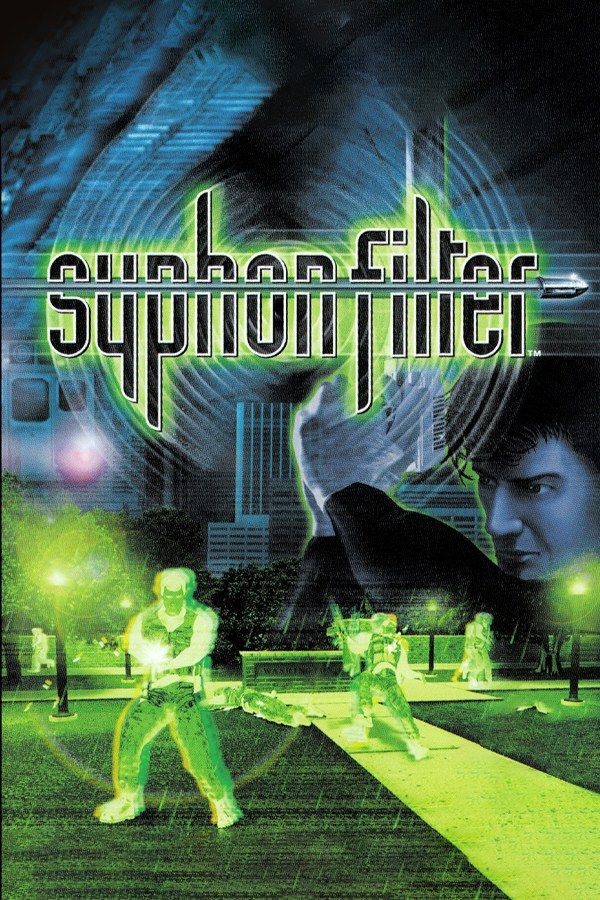
Eidetic’s 1999 third-person shooter casts you as Gabe Logan, an agent of a secret U.S. agency. With his partner Lian Xing, he hunts Erich Rhoemer, a terrorist who plans to spread a deadly virus called Syphon Filter, starting in the streets of Washington, D.C. Missions mix gunfights with stretches where you have to stay unseen. If you own the game, Nagori lets you play it on iPhone and iPad.
What you need
- An iPhone or iPad with iOS 17.6 or later.
- Nagori from the App Store. Your first game is free.
- A disc image of your copy of Syphon Filter:
.chd,.cue+.bin,.pbp,.isoor.img, or a.zipor.rarcontaining it. The game fits on a single disc.
No BIOS file is needed.
How to play Syphon Filter on iPhone
- Install Nagori from the App Store.
- Copy your Syphon Filter disc image to the Files app, in iCloud Drive or On My iPhone.
- Open Nagori, tap + and select the file. For a
.cueimage, select the.cuetogether with all of its.binfiles, or add the archive they came in. - Find Syphon Filter on the PS1 shelf with its box art and press Play.
Controls
Gabe moves with the D-pad, and combat rests on two kinds of aiming: an automatic lock-on that picks the nearest enemy for you, and a manual aim view for precise shots. The shoulder buttons do much of that work, and you often need them while moving and firing at the same time.
The Standard touch layout has every button the game uses, with the shoulder buttons in the top corners. Open Edit Layout in the pause menu and drag them down, closer to the D-pad and the face buttons, so you can hold one without lifting a thumb off the controls you move and shoot with. Make them bigger while you’re there.
This is a game where a controller makes a real difference: the shoulder buttons sit under your index fingers, as on the PlayStation pad, and both thumbs stay free. Press the left stick to open the pause menu.
Firefights: armor, headshots and the taser
- Body armor. Many of Rhoemer’s men wear armor that soaks up shots to the body. Switch to the manual aim view and go for the head: a headshot takes them down at once.
- The taser. Gabe carries an air taser alongside his guns. Keep it on a target long enough and they catch fire.
- Stealth sections. Some stretches go better if nobody sees you. Make a save state before you start one, and Load to try a different route instead of fighting your way out.
Saves
When Gabe dies, Syphon Filter sends you back to the last checkpoint of the mission, and the game keeps your progress on the memory card. In Nagori, each game has its own memory card, written every few seconds. On top of that:
- Save states. Pause and choose Save before a room full of guards or a boss fight, and Load if it goes wrong, instead of replaying everything since the last checkpoint. Nagori keeps your last four saves per game.
- Quit any time. Leave in the middle of a mission and Continue puts you back exactly where you were, with the same ammo and health.
Best settings
- Quality: High, the default, renders Gabe, the enemies and the levels at twice the original resolution, which makes distant targets easier to pick out.
- Quality: Low keeps the original resolution with sharp, unfiltered pixels, if you want the game exactly as it looked on the console.
- Precise Geometry, in Advanced Settings, steadies the slight wobble of PS1 polygons on walls and floors.
- Screen Effects → CRT Screen adds scanlines, closer to the look of a 1990s TV.







