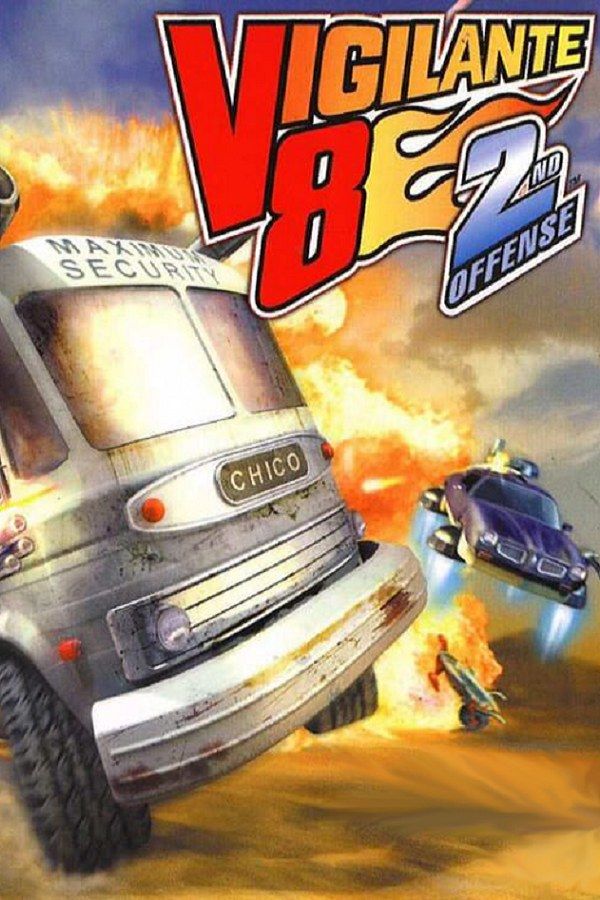
Vigilante 8: 2nd Offense is Luxoflux’s 1999 sequel to Vigilante 8, published by Activision. You pick a driver and an armed vehicle, then fight across arenas you can tear apart, picking up weapons such as missiles, mortars and mines as you go. The sequel adds a time-travel story, salvage points from wrecked opponents that upgrade your vehicle, and attachments such as hover pods and skis. If you own the game, Nagori lets you play it on iPhone and iPad.
What you need
- An iPhone or iPad with iOS 17.6 or later.
- Nagori from the App Store. Your first game is free.
- A disc image of your copy of Vigilante 8: 2nd Offense:
.chd,.cue+.bin,.pbp,.isoor.img, or a.zipor.rarcontaining it. The game fits on a single disc. - For two-player games, two Bluetooth controllers.
No BIOS file is needed.
How to play Vigilante 8: 2nd Offense on iPhone
- Install Nagori from the App Store.
- Copy your Vigilante 8: 2nd Offense disc image to the Files app, in iCloud Drive or On My iPhone.
- Open Nagori, tap + and select the file. For a
.cueimage, select the.cuetogether with all of its.binfiles, or add the archive they came in. - Find Vigilante 8: 2nd Offense on the PS1 shelf with its box art and press Play.
Controls
Vigilante 8: 2nd Offense supports the DualShock, so you can steer with an analog stick. Pause, open Settings and switch Touch Layout to D-Pad + Stick or DualShock for an on-screen stick, or stay on Standard to drive with the D-pad.
Each weapon also has special attacks, triggered by short sequences of movements on the control pad. Quick, exact inputs like these are easier to hit on a D-pad than on a touch stick, so if your specials don’t come out, try D-Pad + Stick: it has both, so you can steer with the stick and enter the combos on the D-pad.
In a fight you steer, accelerate and shoot at the same time, which is a lot to ask of two thumbs on a touch screen. Open Edit Layout in the pause menu and move the face buttons closer together, or make them bigger, so your right thumb can press two of them at once.
With a controller, every button sits where it did on the PlayStation pad, and you steer with the left stick. Rumble comes through the controller, or through your iPhone with iPhone Vibration in Settings. Press the left stick to open the pause menu.
Split screen with two controllers
On the PlayStation, Vigilante 8: 2nd Offense splits the screen for two players: you can battle each other, or team up and play Quest mode together. Nagori supports two controllers, so both work on one iPhone or iPad. Connect both controllers before you pick a mode. The touch controls hide while a controller is connected, so each player needs one.
Saves
Vigilante 8: 2nd Offense keeps your progress on a memory card. In Nagori, each game has its own memory card, written every few seconds, so the game’s saves work as they did on the console. On top of that:
- Quit any time. Leave in the middle of a battle and Continue puts you back in the same arena.
- Save states. Pause and choose Save at the start of a hard Quest battle. If your vehicle is wrecked, Load and try again. Nagori keeps your last four saves per game.
Best settings
- Quality: High, the default, renders the vehicles and arenas at twice the original resolution.
- Precise Geometry, in Advanced Settings, steadies the slight wobble of PS1 polygons, which is easy to see on the ground ahead of you when you drive fast.
- Screen Effects → CRT Screen adds scanlines, and Bloom makes explosions and other bright spots glow.







